-
The most advanced Magento 2 PDF extension
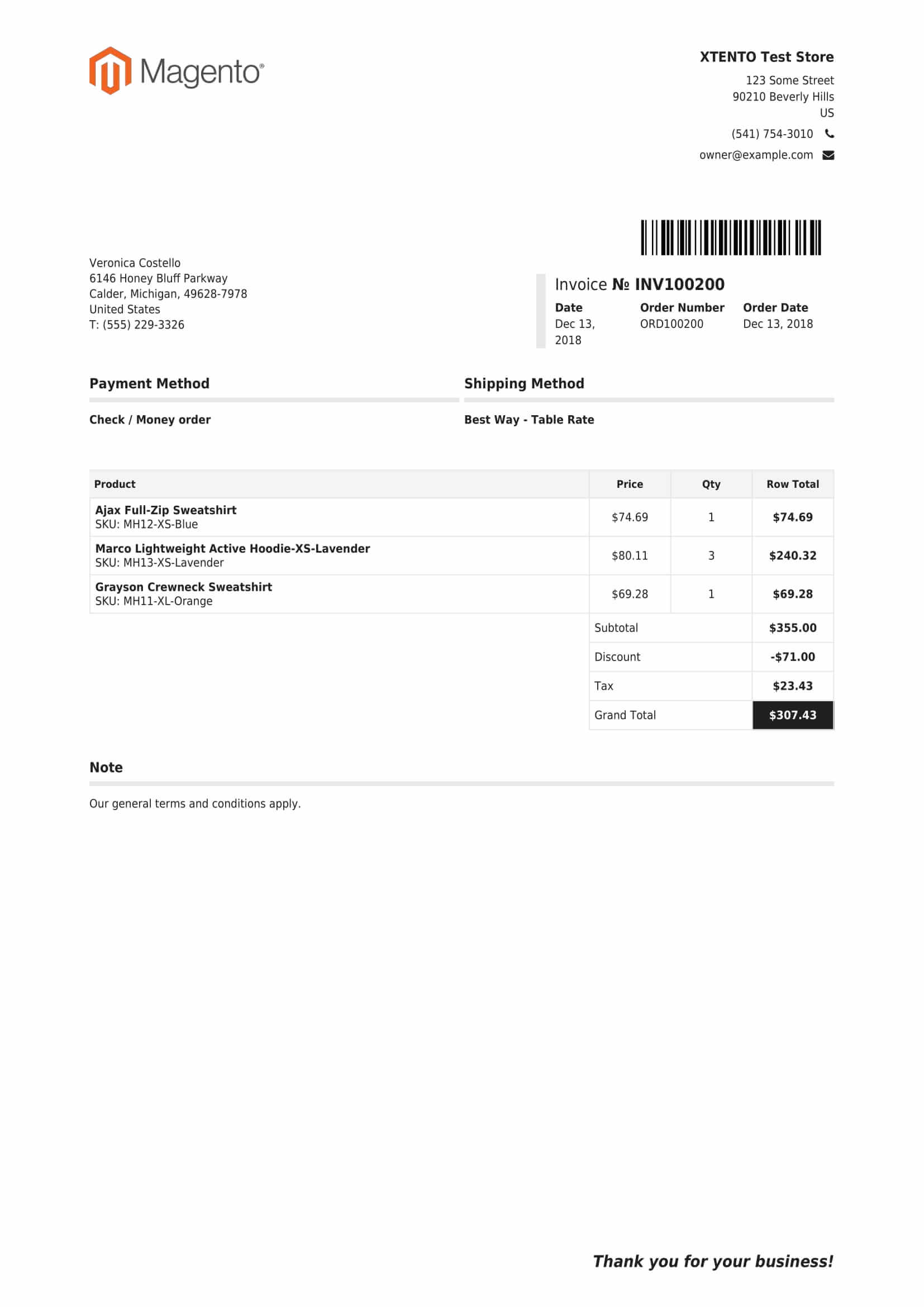
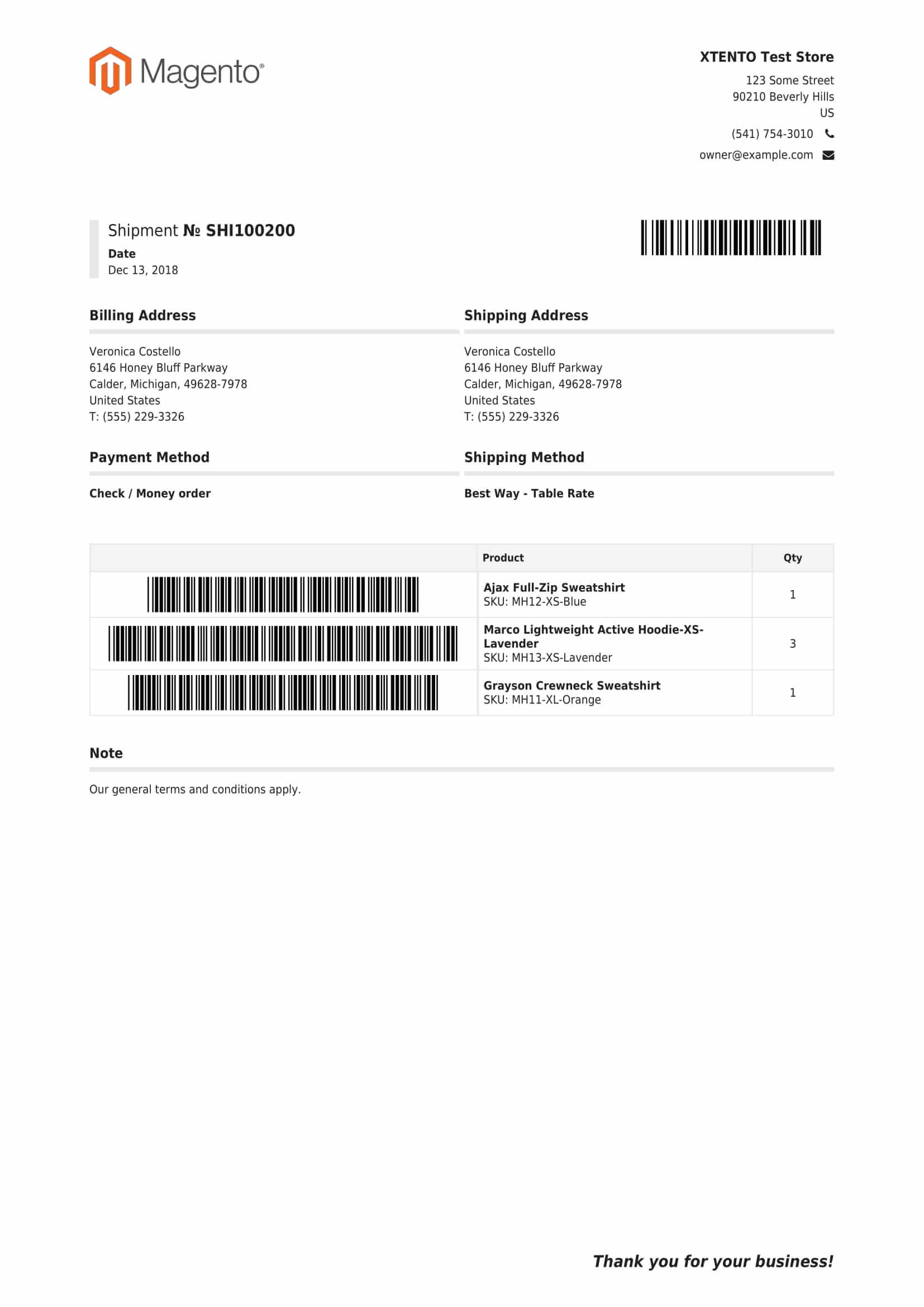
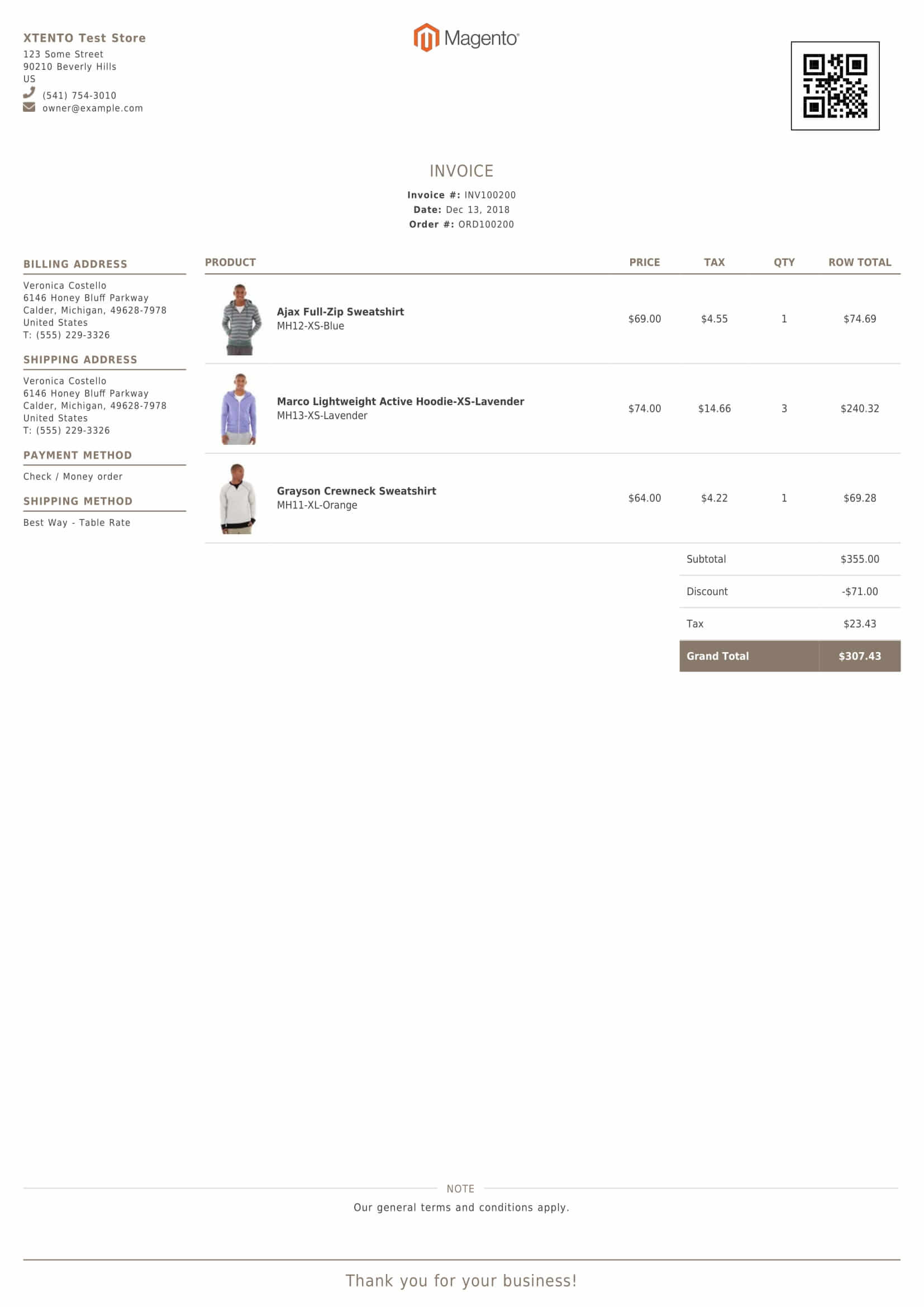
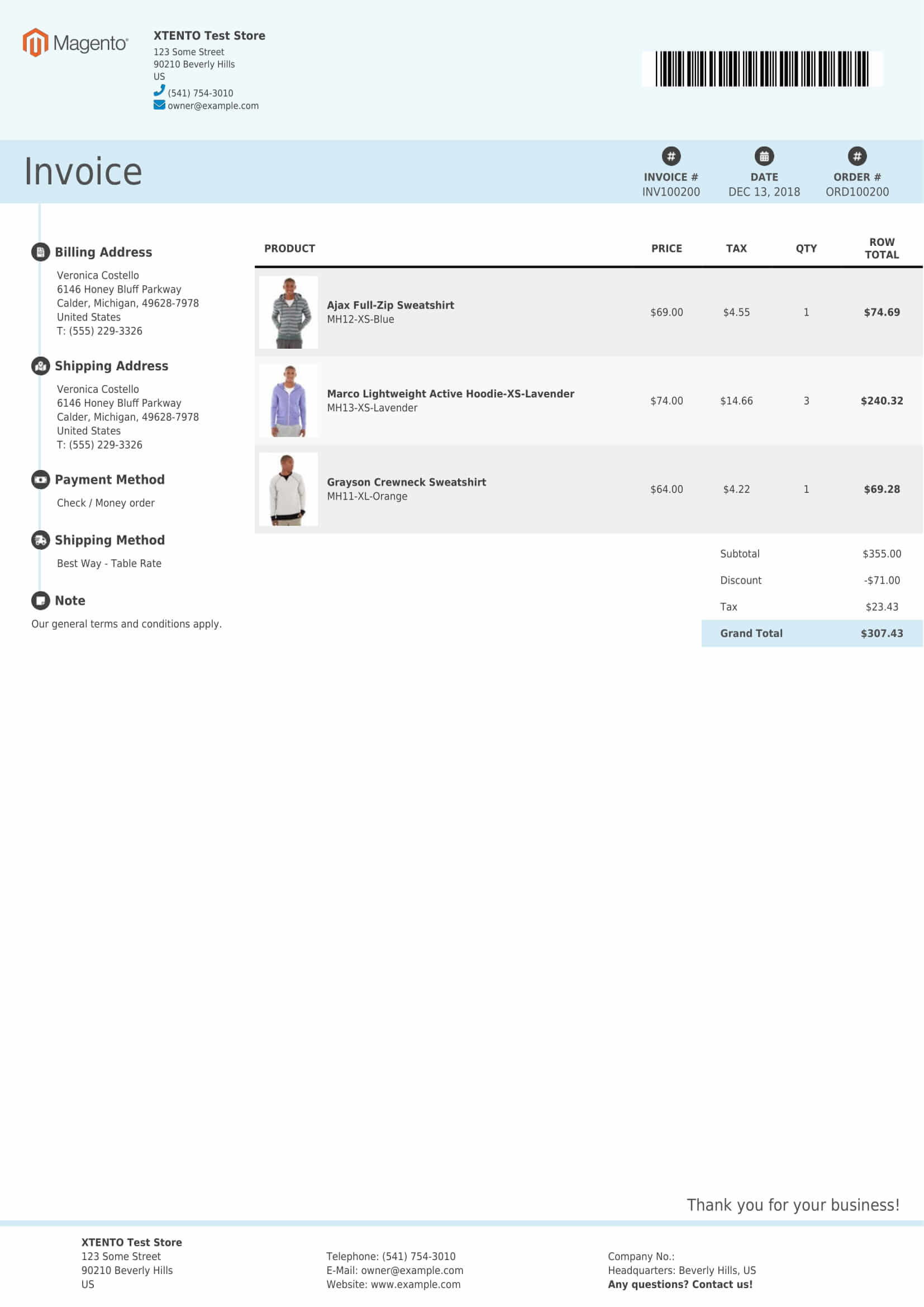
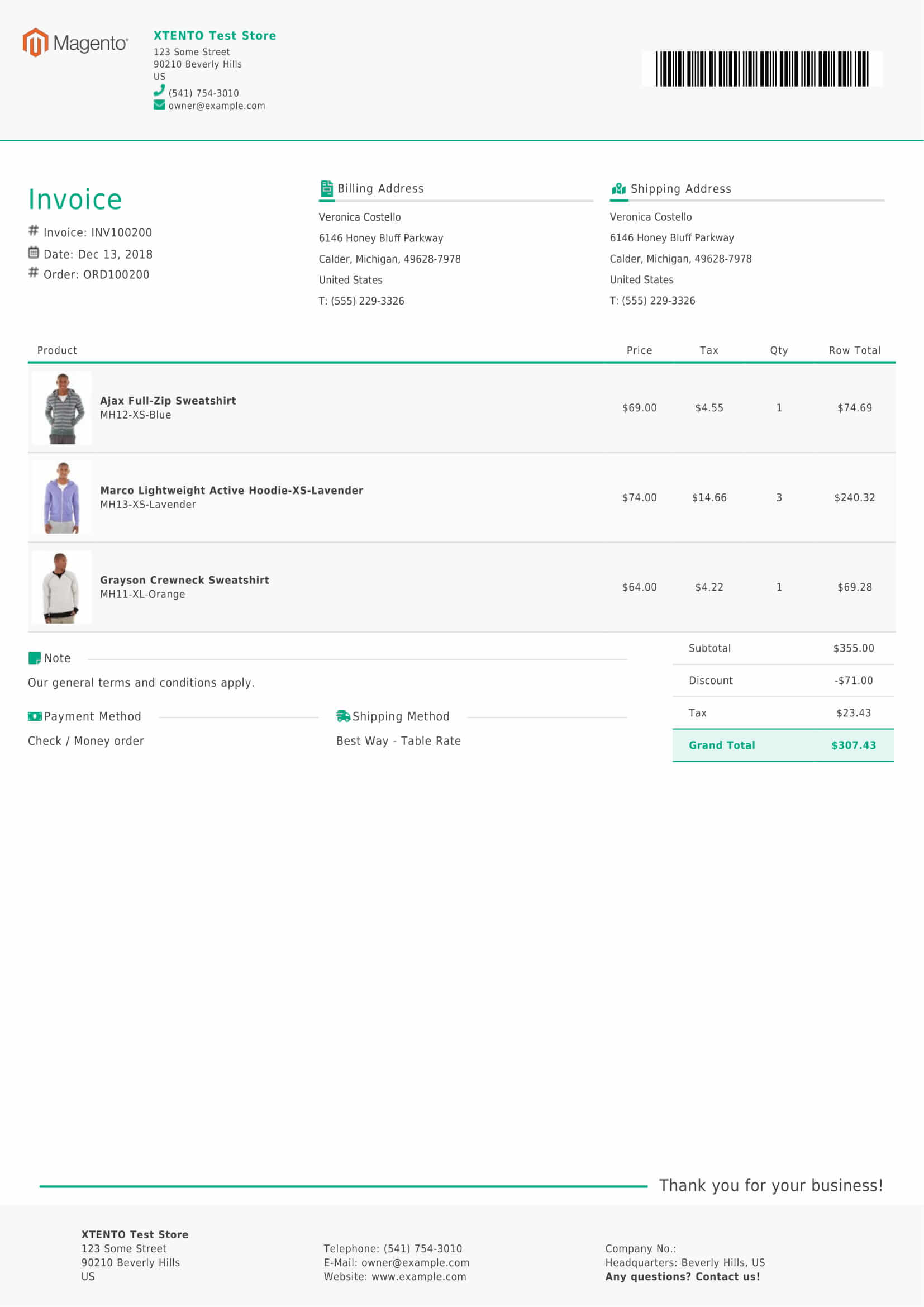
Flexible. Customizable. Stable. Setting up beautiful PDF documents in your own corporate design has never been easier. The extension includes several beautiful themes out of the box. Create custom PDF invoices, orders, shipments, credit memos as well as product catalogs.
-
Supports all sales entities: Print invoice, shipment PDFs & more
Create custom PDFs for all sales-related entities:
- Order PDFs
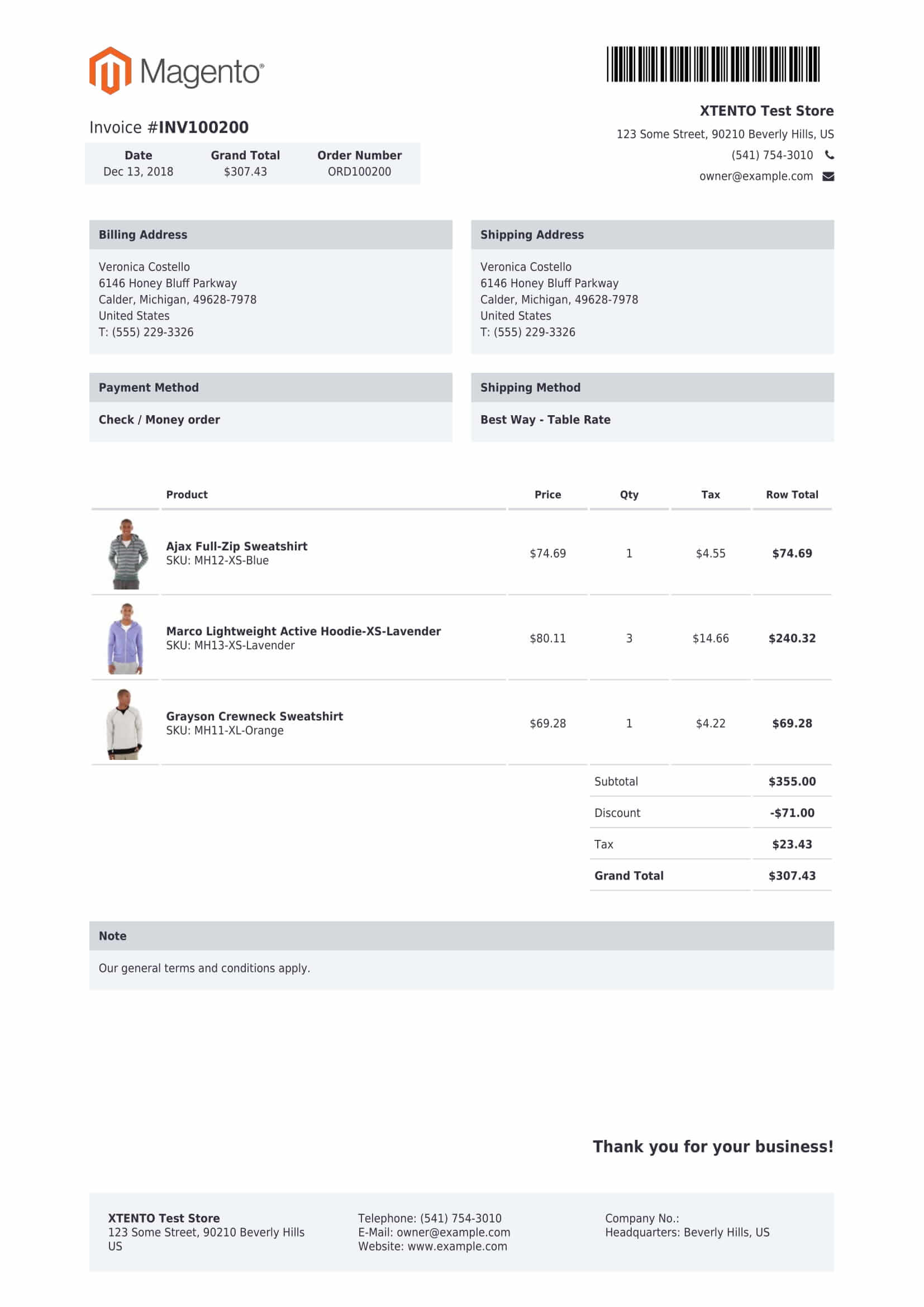
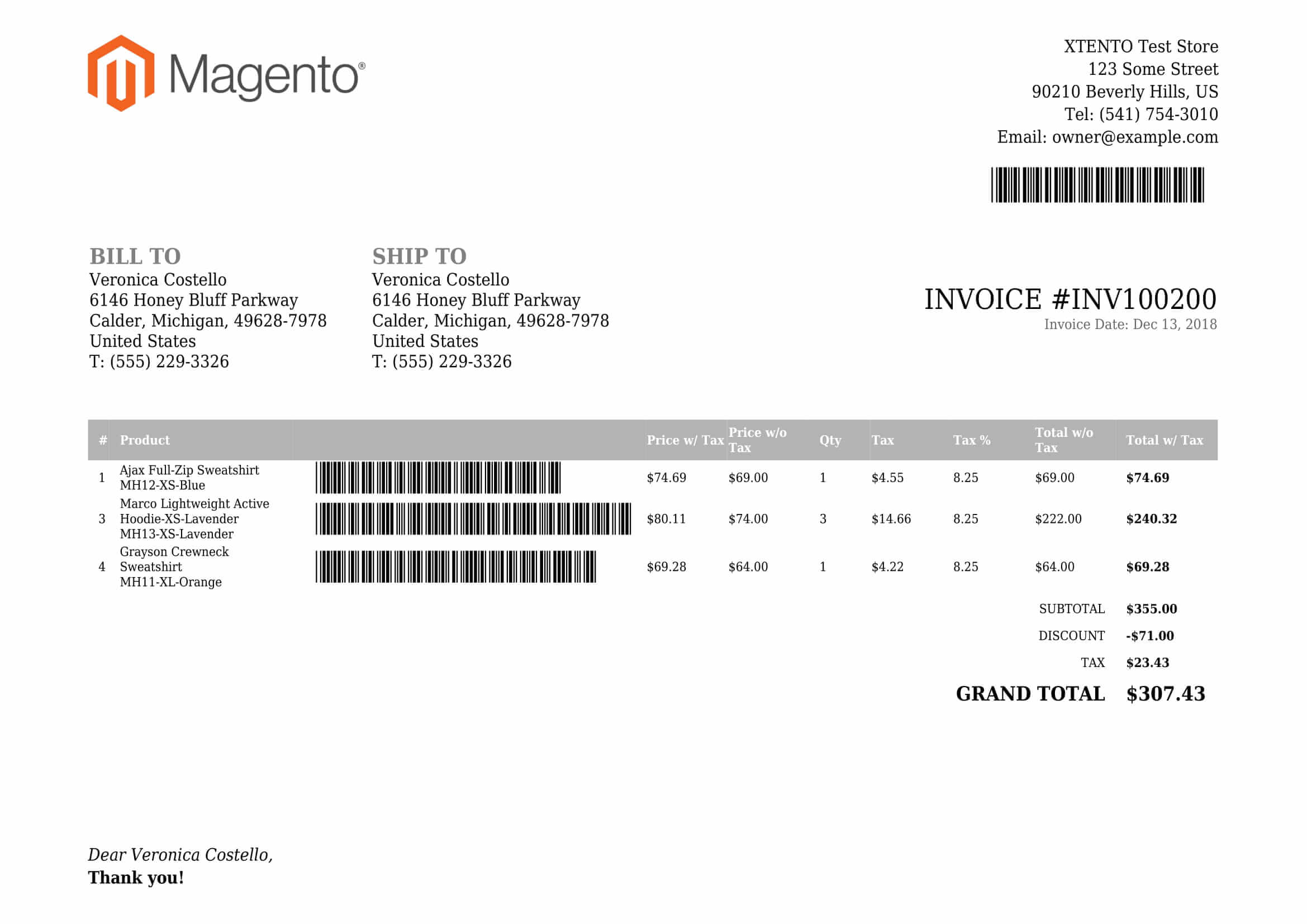
- Invoice PDFs
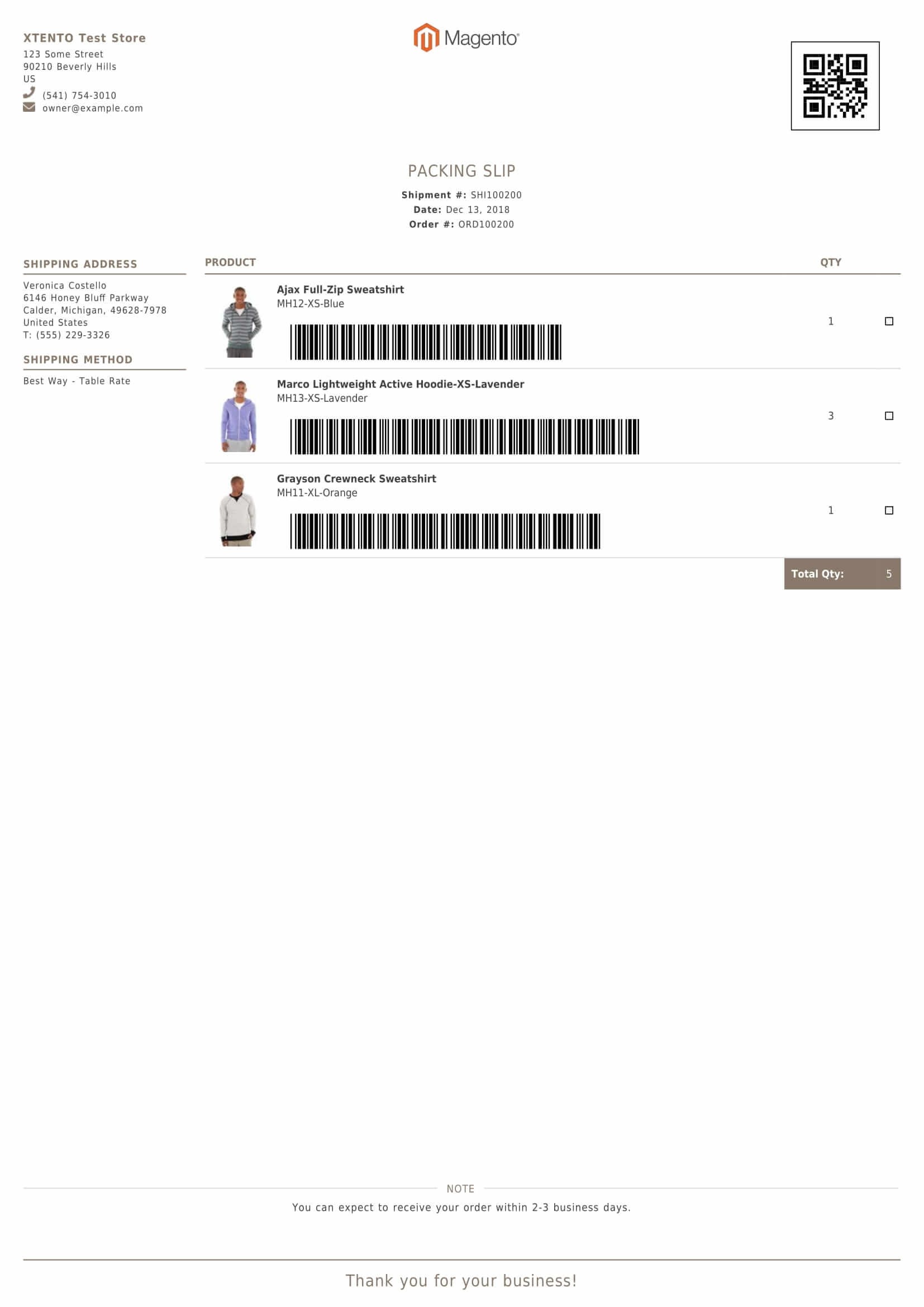
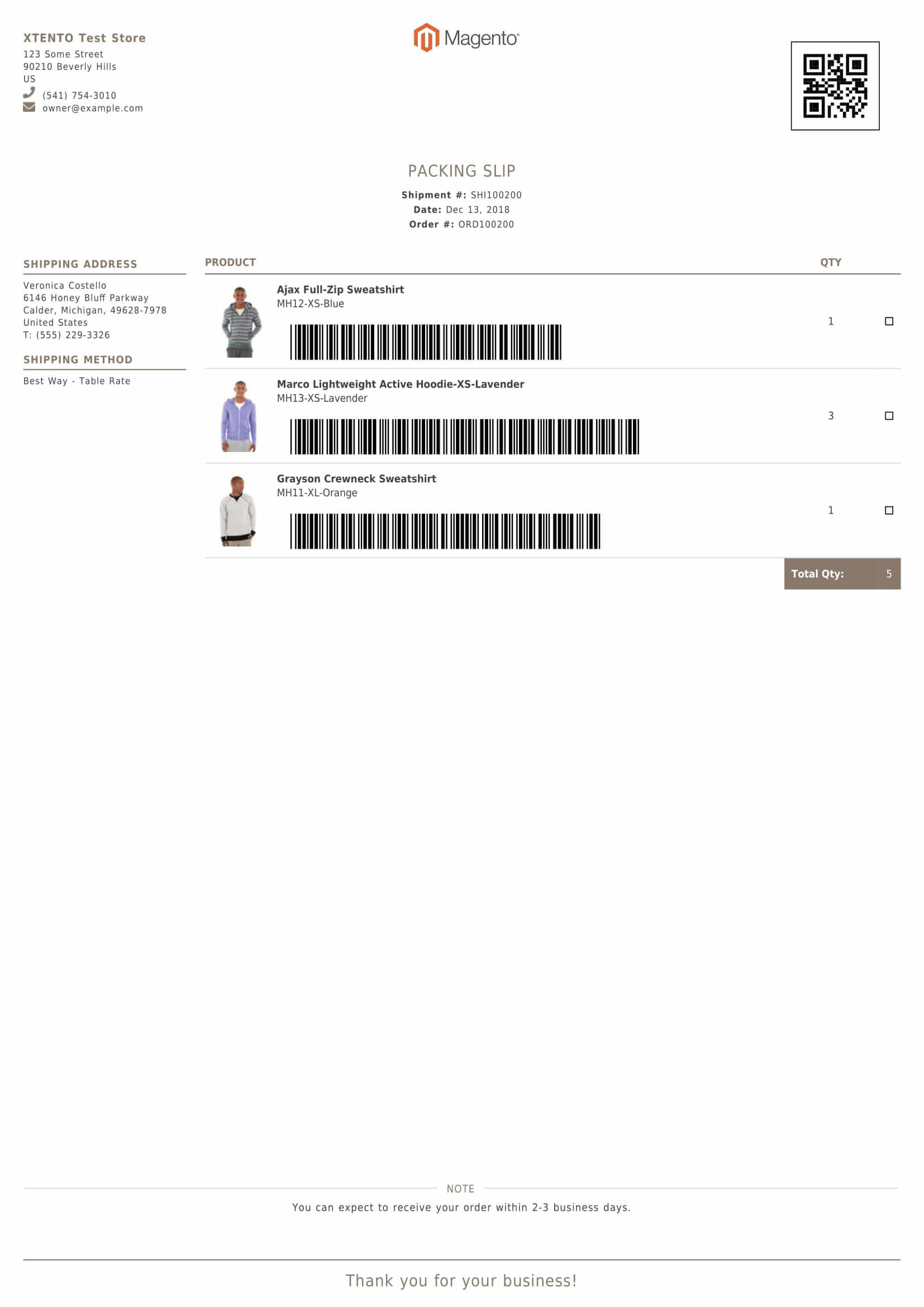
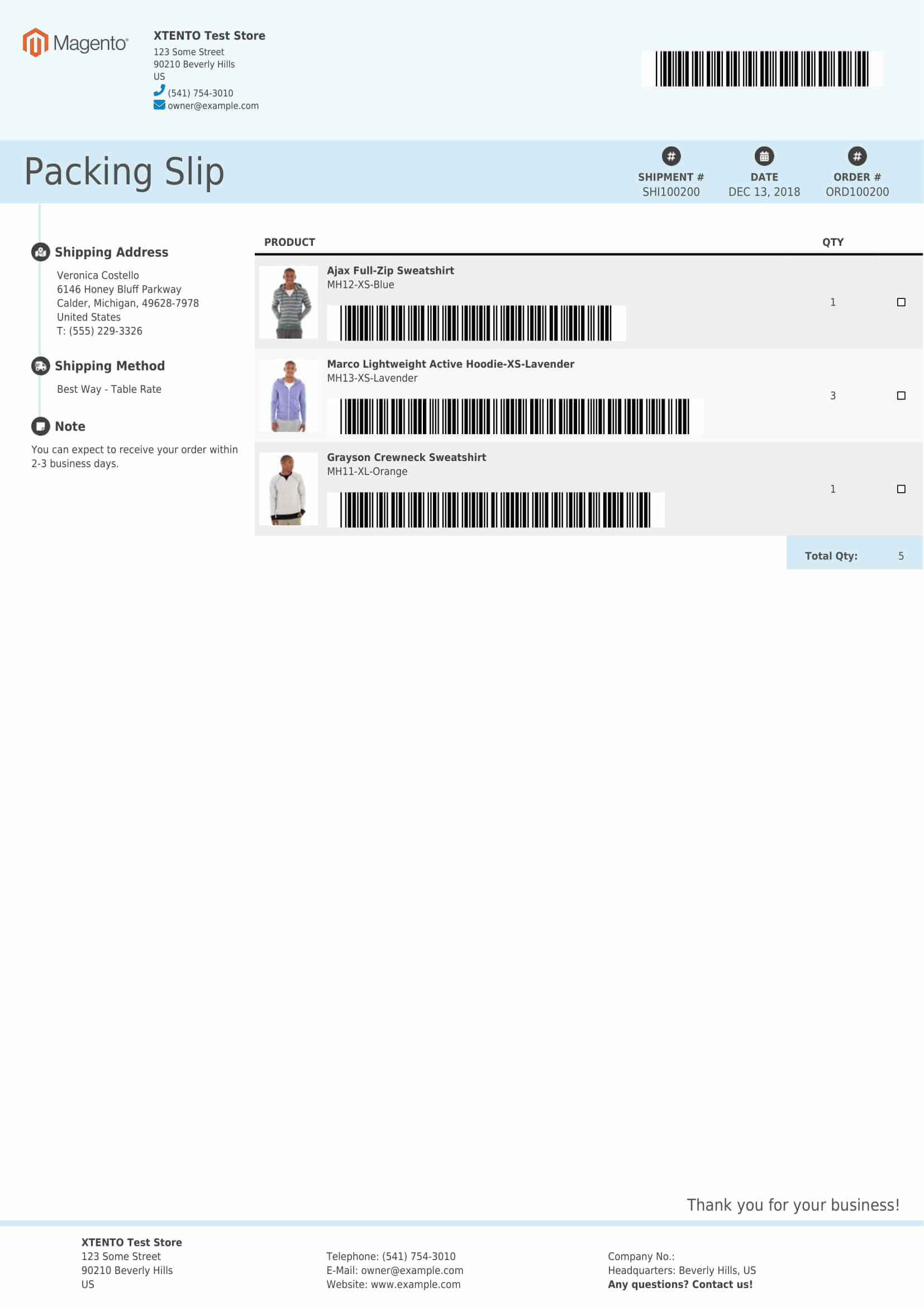
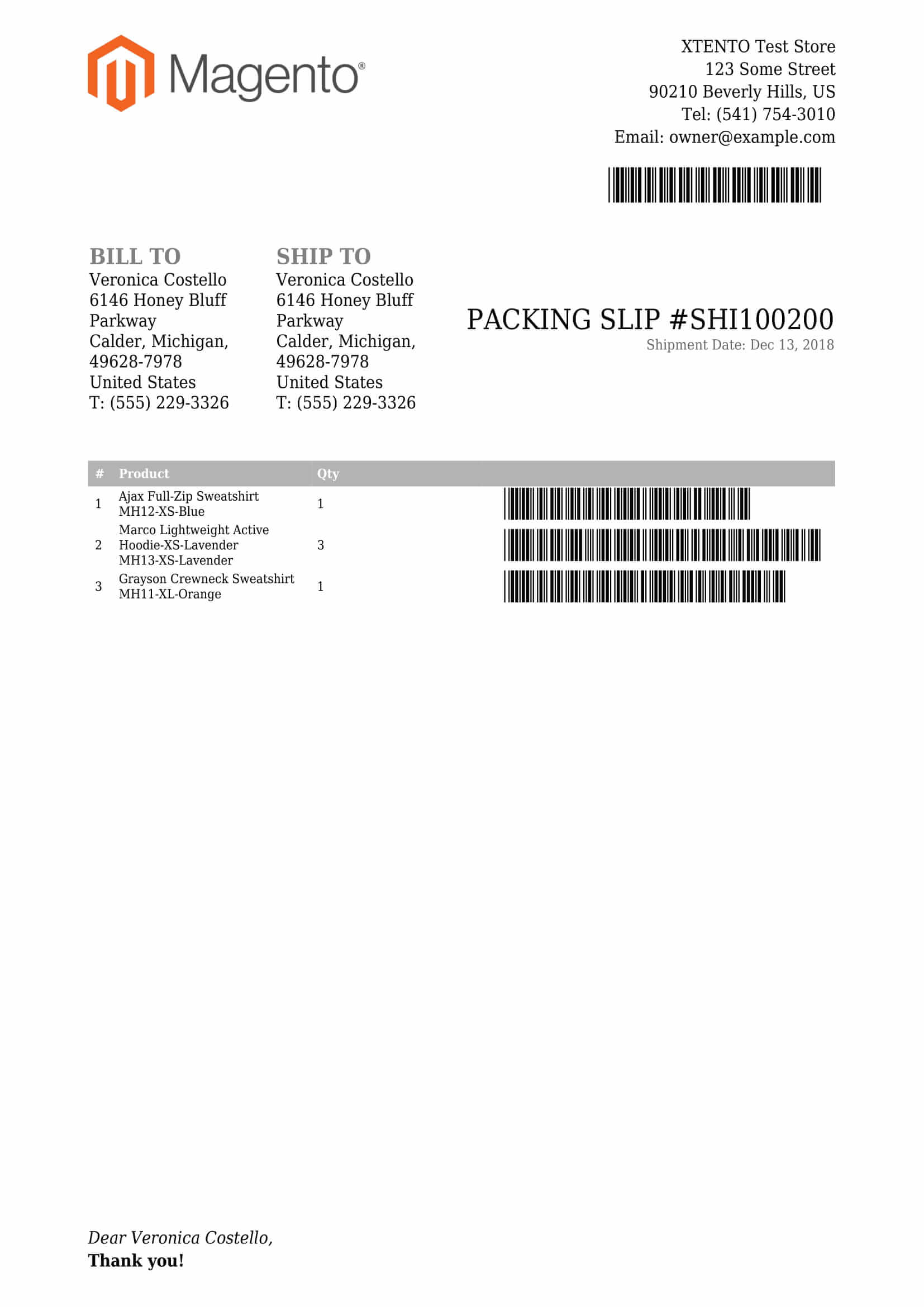
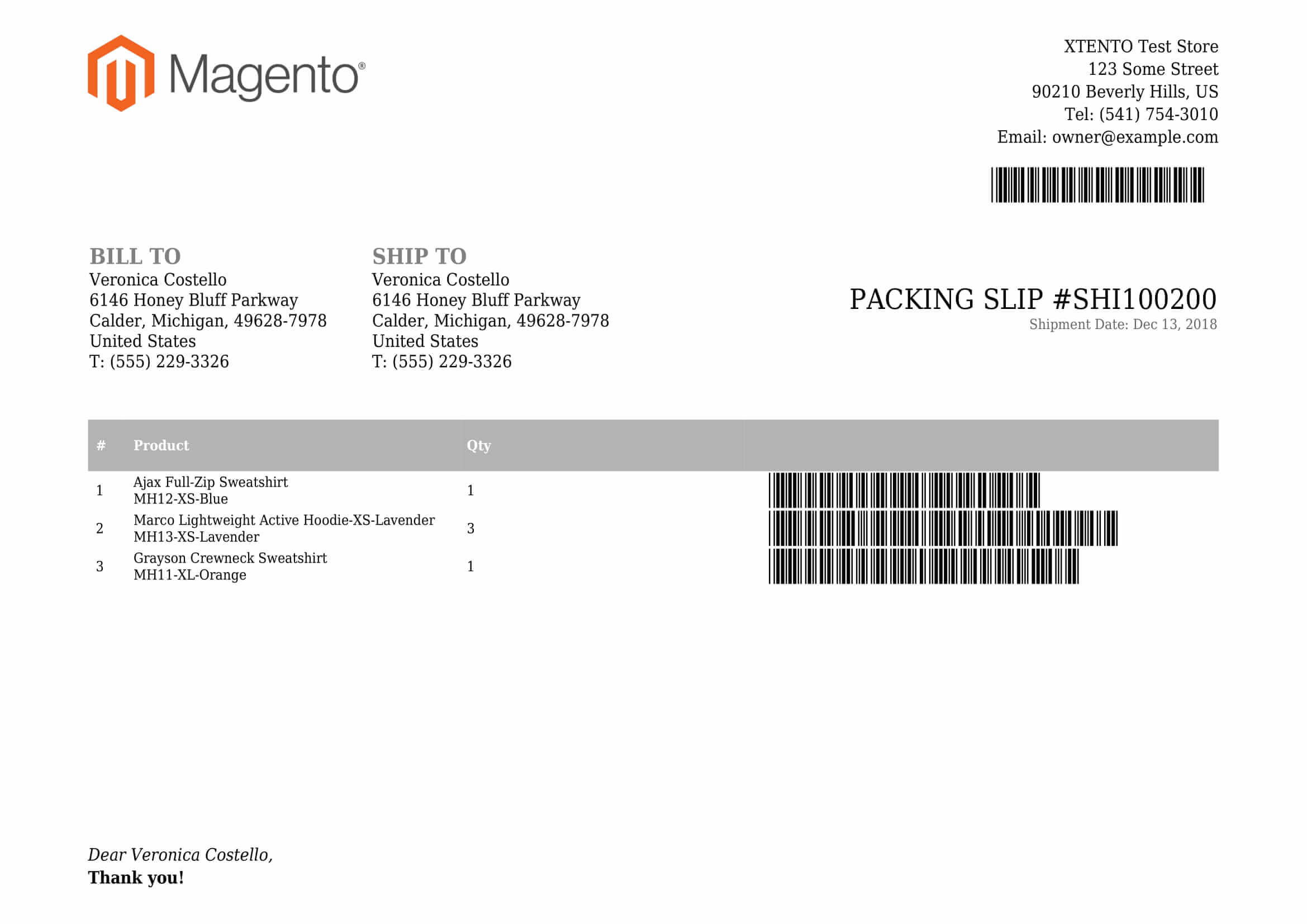
- Shipment / Packing Slip PDFs
- Credit Memo PDFs
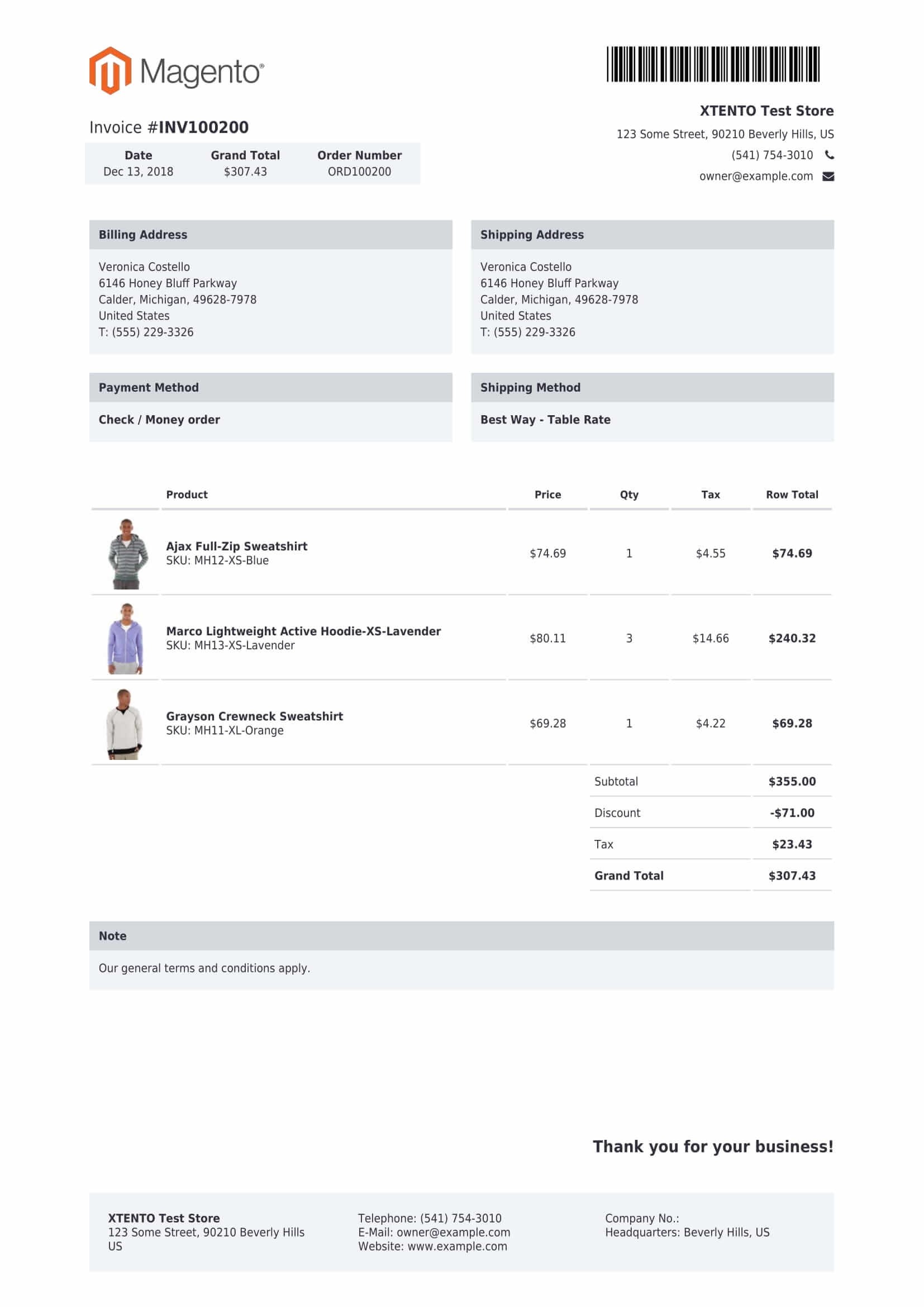
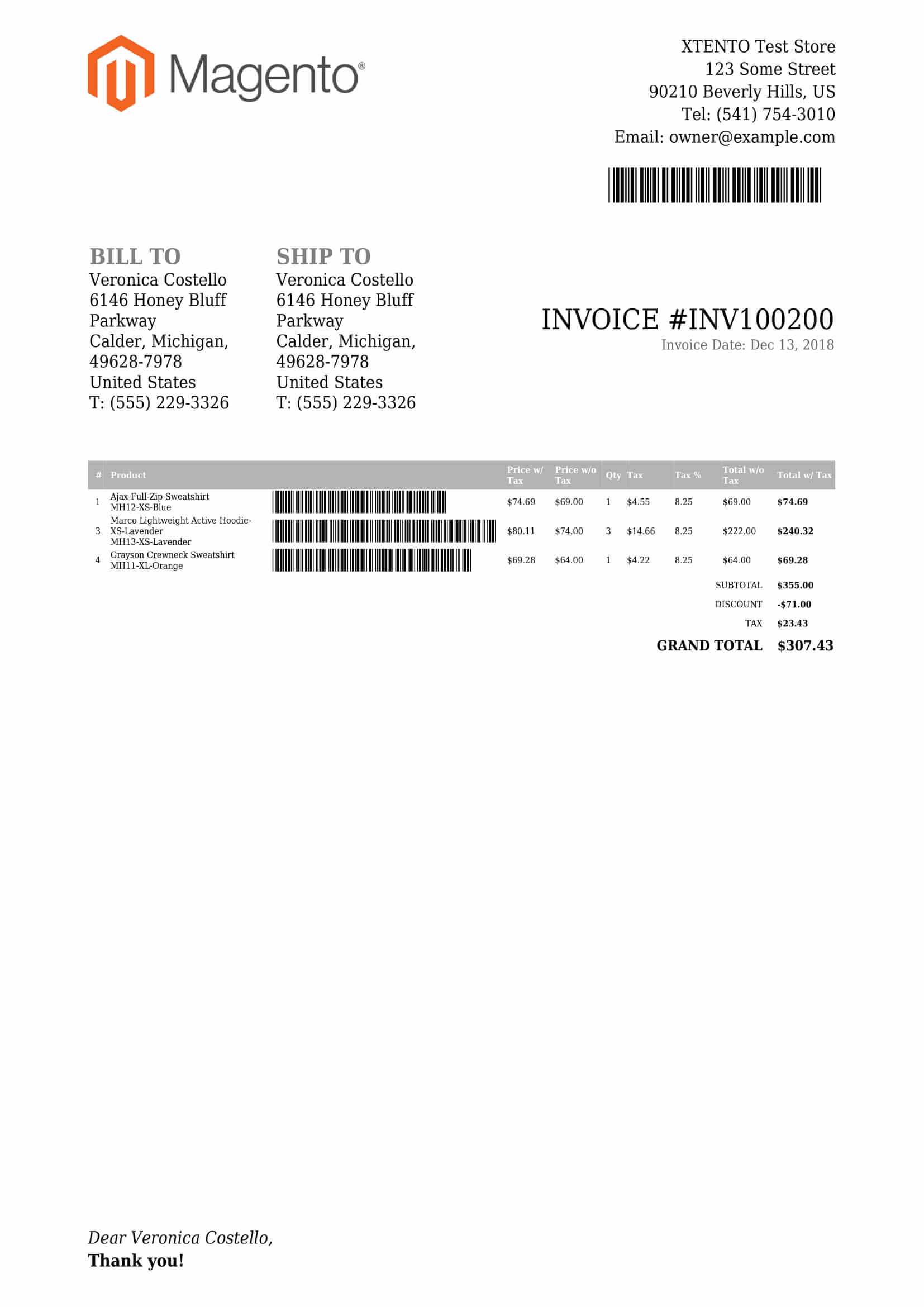
Create PDF documents conforming with local regulations / laws. Add barcodes, add your logo as well as adjust any part of the PDF to match your corporate design or personal preferences. Provide stunningly beautiful invoices and impress your customers. Create invoices that adhere to local laws, full support for tax rates included.
-
Set up as many different PDF templates as required
Create as many different PDF layouts as required. For example, it is possible to set up a completely different layout/design for each of your stores. Set up different layouts for different purposes. Set up different layouts for your B2B store, for example.
-
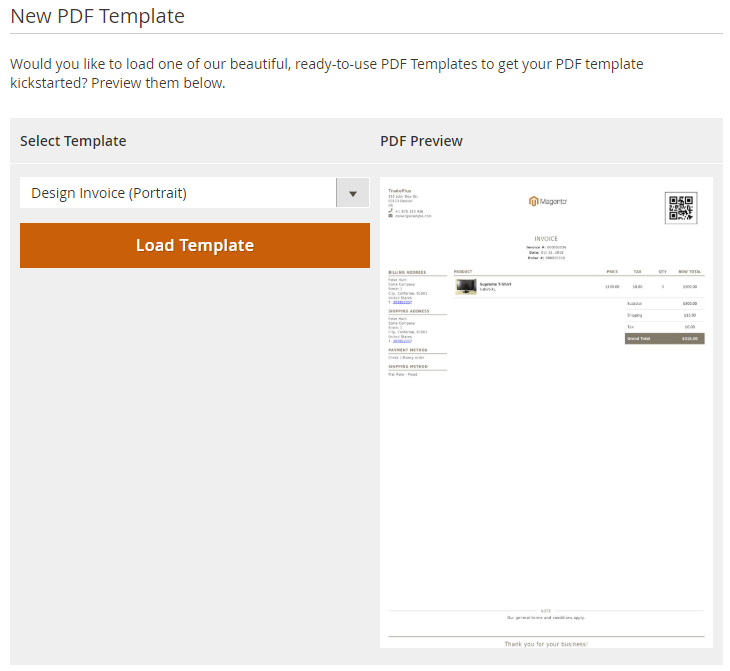
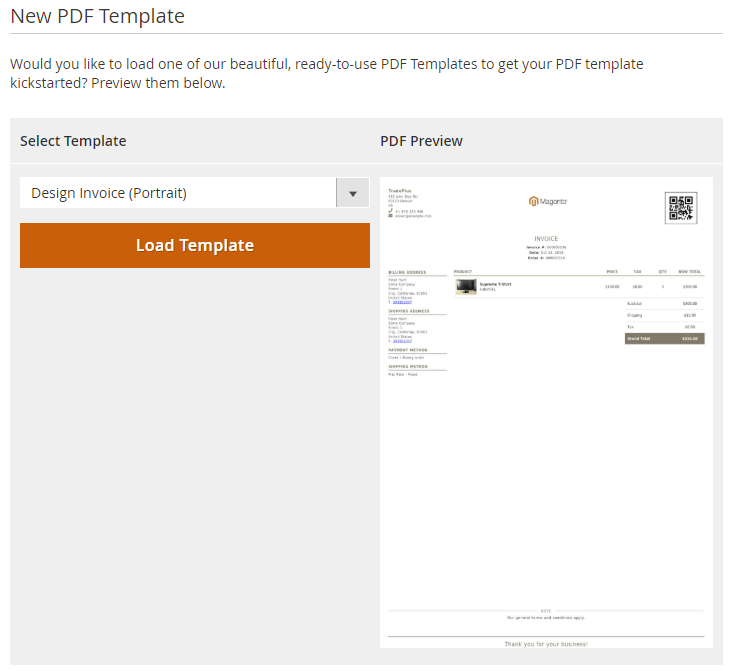 Set up new templates with 1 click using the PDF Template Wizard
-
Easily customize & adjust all PDF documents
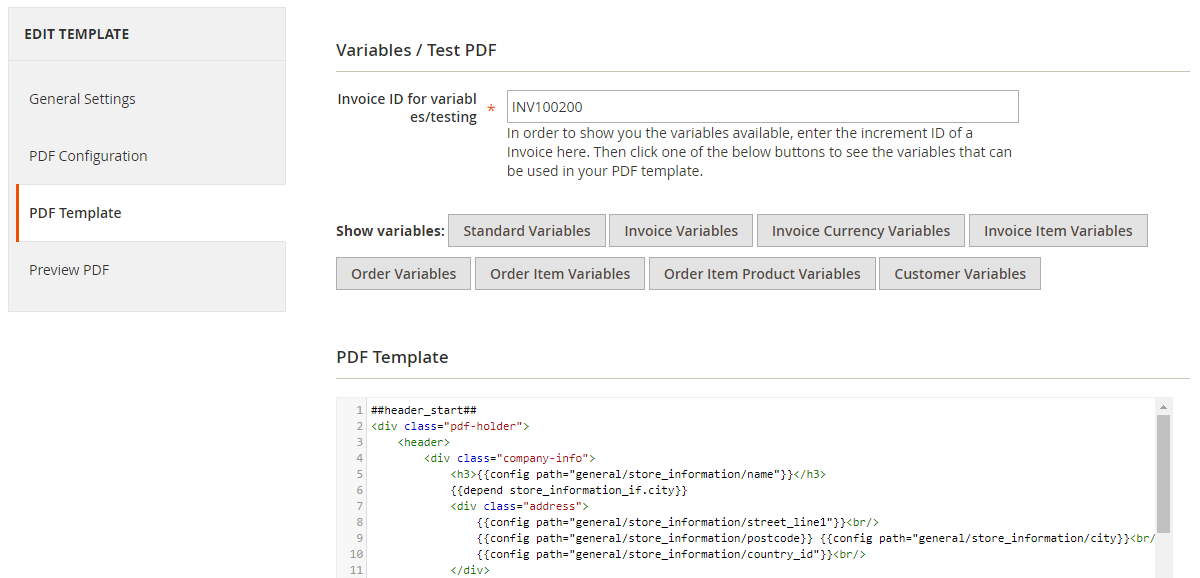
Any of the PDF documents (order, invoice, shipment, credit memo and product) can be customized easily. Every little piece you see on the screenshots can be customized using HTML & CSS. Change styling, color, font sizes, add barcodes & more. Need to add more information to the footer? Or, add your custom product attribute to the items table? Not a problem at all.
-
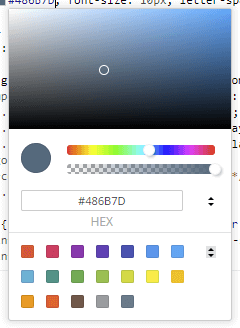 Adjust colors in your PDF templates using a color picker
-
Add as much information to your PDFs as required
All built-in fields of Magento can be output in your PDF templates using variables. Custom order, item, tax, tracking & product attributes as well as data of 3rd party extensions (stored in default tables; otherwise customizations may be required) can be accessed as well.
-
Fully localizable, with support for multiple store views
PDF documents are automatically translated based on the store views language. The extension also allows you to set up different layouts/documents for each of your store views, and it is fully multi-store compatible.
-
Upload background PDFs to add your companys letterhead
For each PDF Template you can upload a background PDF file that is then used as the "background image" in your PDFs. Easily output your companys letterhead or stationery on your PDF files to represent your corporate identity.
-
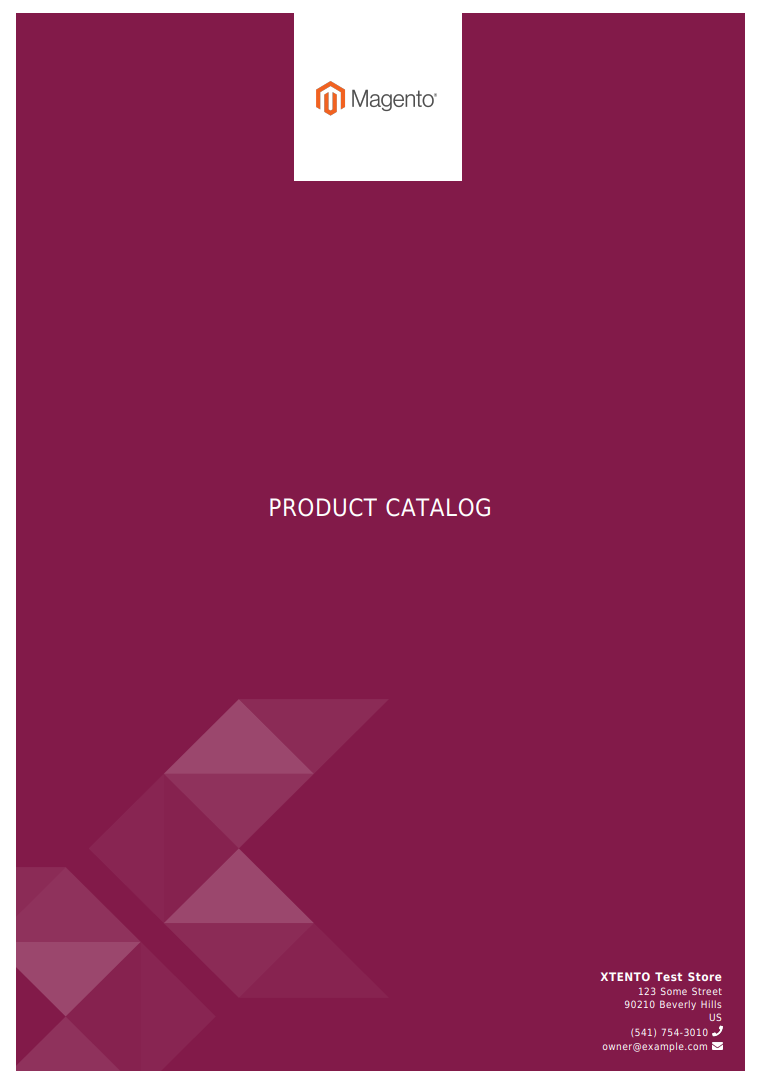
Create beautiful PDF catalogues/brochures
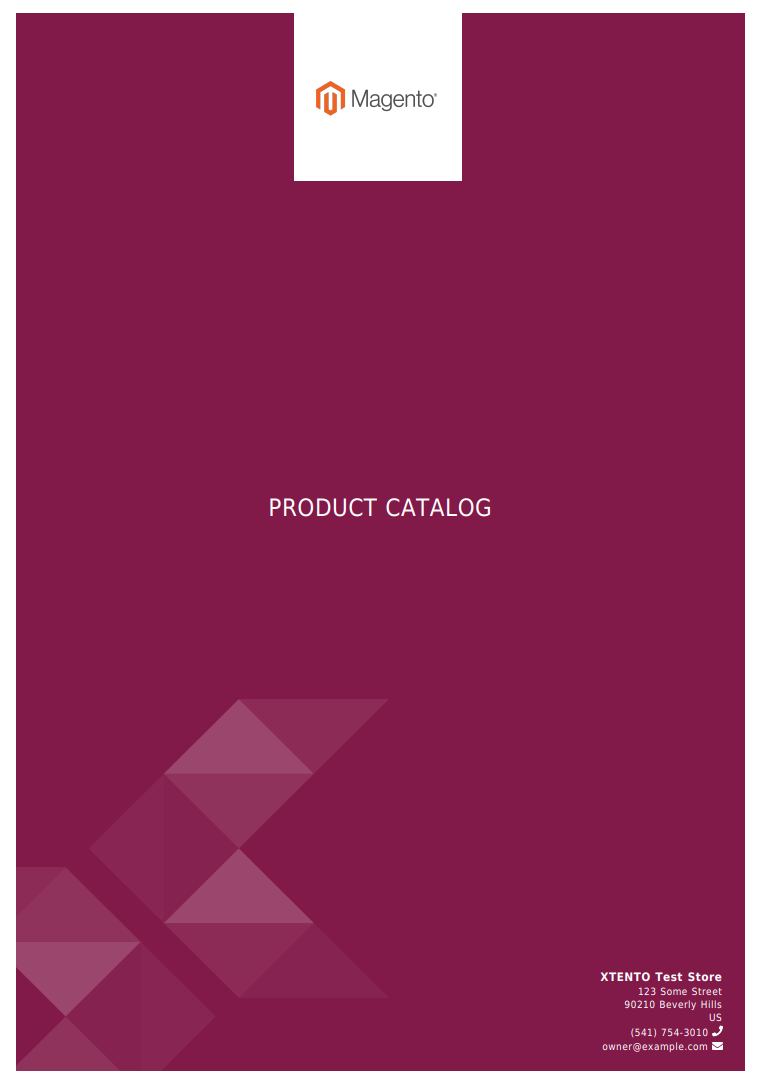
In addition to customizing sales PDFs, the extension also supports creating custom PDF catalogues and PDF brochures. Showcase your products in a beautiful PDF catalog or give your customers the ability to print product information on the product page as a PDF file.
-
-
Ready to use - out of the box
Simply select one of our beautiful PDF designs, enter your company information in the configuration and that's it - future order/invoice/shipment/credit memo PDFs will be automatically generated using our PDF generator.
-
Enrich your PDF invoices with images & more
Any of your custom product attributes can be output in each of the PDF documents - easily add custom product attributes such as size/color/warehouse/etc. to your invoices, or add an image of the product to the packing slip - making picking easier for your warehouse team.
-
Full support for all Magento product types
The extension supports all product types:
- Simple Products
- Configurable Products
- Grouped Products
- Bundle Products
- Downloadable Products
- Virtual Products
- Custom Product Types
NEW: Sort items on PDF documents by any of your custom product attributes.
-
Built-in preview functionality
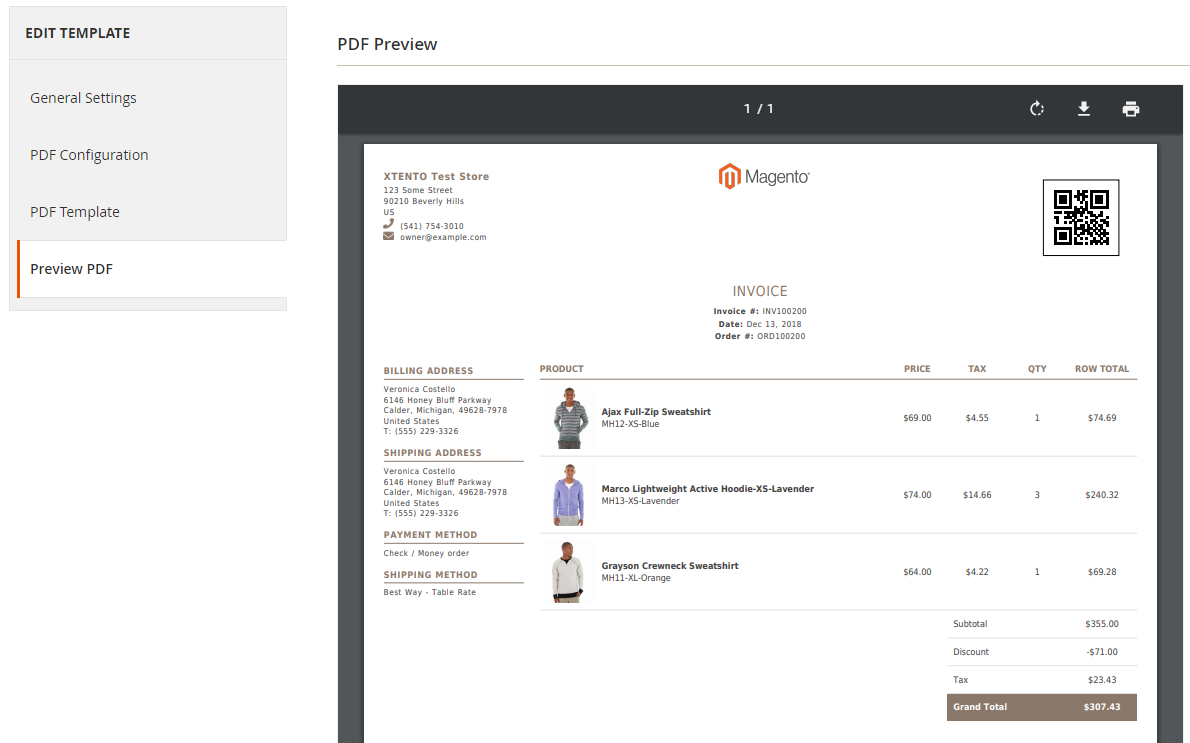
Changed something in your PDF template and need to see how that change will look like? Simply use the built-in preview functionality. When editing a PDF template, click the "PDF Preview" button to instantly see the preview of how, for example, a real invoice PDF would look like after your changes.
-
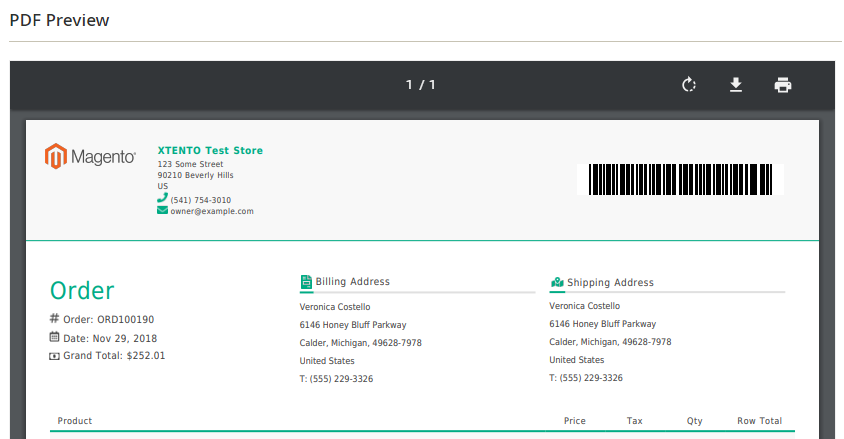 Preview your updated PDF Template before saving the template
-
NEW: Prepared for ZUGFeRD, Factur-X & XRechnung-oriented e-invoicing
Modern B2B and public-sector invoicing increasingly requires structured invoice data, not just a visually formatted PDF. PDF Customizer can now generate structured invoice data alongside your branded PDF, supporting ZUGFeRD / Factur-X (hybrid PDF/A-3 with embedded XML) and XRechnung-oriented workflows based on the EN 16931 standard. A solid foundation for merchants preparing for modern e-invoicing requirements in Germany and the EU.
-
Your invoice design stays — structured data is layered on top
You don't have to rebuild your invoice layout. Your existing mPDF-based HTML/CSS templates remain fully customizable and continue to define how invoices look to your customer. Structured invoice data is generated in parallel and can either be embedded into the same PDF (PDF/A-3) or downloaded as a standalone XML file — for example from the admin, or, if enabled, from the customer account.
-
Flexible, configurable & developer-friendly e-invoicing data
Seller and buyer details, tax information, payment terms, references and additional fields — including the Leitweg-ID / Buyer Reference (a routing identifier required for invoicing German public-sector entities) — are configurable and can be extended per store view, customer group or through your own modules. The integration is deliberately customizable, so it can adapt to your specific business process. Generated invoice data should be reviewed and adjusted to your individual business and legal requirements before productive use.
-
Includes 7 beautiful themes out of the box
Choose from 7 eye-catching designs, available for each of the four entities orders, invoices, shipments and credit memos, included out of the box at no extra cost. Set up stunningly beautiful PDF documents with the click of a button - simply select the design you love, and you're good to go!
-
-
Add barcodes to your PDF documents
More than 30 barcode types can be added to your PDF documents. For example, add the order number as a EAN13 barcode. Or, for each item in an order, add a QR code with the item SKU. All popular/common barcode types are supported. Click here for a list of supported barcode types.
-
 Add barcodes to your PDFs. Dozens of different barcodes supported.
-
Attach PDF documents to sales emails
Generated PDF documents can be attached to order/invoice/shipment/credit memo emails sent to your customers. Easily send your customers invoice emails with PDF invoices attached - automatically. This can be disabled if required.
-
 Attach invoices & more to sales emails automatically
-
Ability to download PDF documents in frontend
Give your customers the ability to download their PDF documents such as the invoice straight from the "My Account" section in the frontend. This can be disabled in the extensions configuration section if required.
-
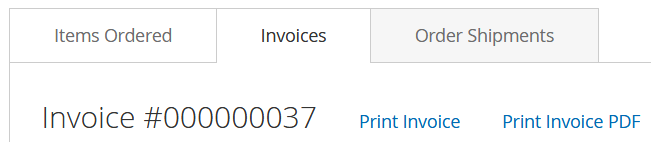 Customers can download PDF documents from the frontend on their own
-
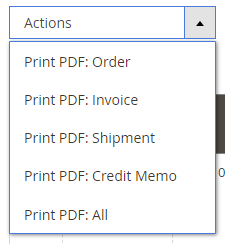
Print PDF documents from the sales grids in bulk
All PDF documents can be printed from each of the sales grids (Sales > Orders, Sales > Invoices, ...) in bulk. From Sales > Orders it is even possible to print all document types available for an order, for example invoices and shipment PDFs.
-
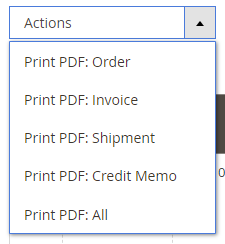 Print orders/invoices/... straight from the sales grids
-
Print invoice & packing slip before invoicing order
You know the challenge: You haven't invoiced the order yet, but want to print a proforma invoice or a packing slip nevertheless. Not a problem at all! Simply set up a new "Order PDF" template (in addition to your normal templates), and in the PDF template, replace "Order" with "Proforma Invoice" - that's it! Now you can print "orders" but instead a proforma invoice will be generated.
-
Supports all common languages
No matter where you're based or where you're selling your products - the extension supports all common languages such as English/Latin, Arabic (RTL), Hebrew, Chinese, Russian as well as other custom charsets.
-
Decrease PDF file size & save storage and traffic
Generated PDF files are highly optimized and are much smaller compared to Magentos built-in PDFs. Your customers hard drives will thank you. (*Note: Adding product images/thumbnails to PDFs will make them bigger)
-
Custom Fonts / Paper Types / Sizes / Orientations
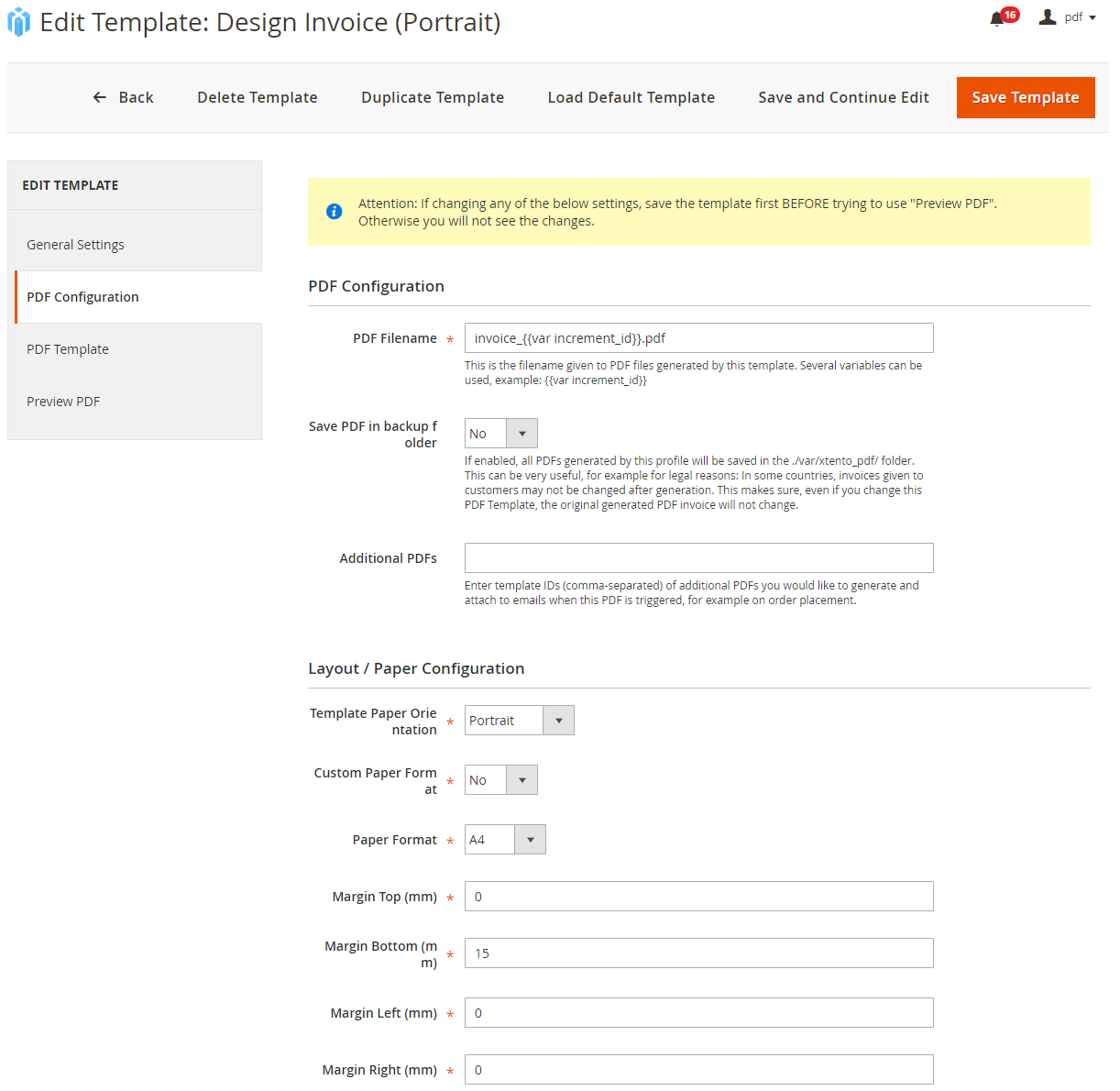
In addition to common paper types such as A4/A5/Letter it is also possible to create PDF templates that use custom paper types and sizes & margins. Also, it is possible to create PDF documents in portrait or landscape orientation. Need to use a custom font to represent your corporate identity? Not a problem as well.
-
Attach static PDFs to dynamically generated PDFs
Let's say you need your terms and conditions to be attached to each invoice PDF generated. Simply define the terms and conditions as an "attachment PDF" and in your invoice PDF, specify the attachment PDF to be attached to the invoice.
-
Export PDFs to FTP servers, E-Mail recipients, suppliers
Using our Magento 2 Order Export extension? Any of the PDFs you set up can be exported to FTP servers, email destinations & much more using our order export extension.
-
Easily migrate settings from staging to live
Import and export your PDF Templates using the Configuration Import/Export utility. This allows you to easily transfer your settings from one environment to another environment.
-
Never-changing PDF documents
In some countries it is required that invoices and invoice contents/layout may not change after they've been issued. Using the built-in "Backup PDF" feature (can be disabled), this can be set up easily. Each PDF that is generated is saved in a backup folder on the Magento server. Now, when re-printing a PDF at a later time, instead of re-generating it, it is simply served from the backup folder, making sure exactly the version that was generated at the time of the purchase is shown again. Also helps to cut down PDF generation time to basically 0 seconds.
-
Developer friendly & extensible
Built-in events dispatched by the extension during PDF generation allow you to add third-party/custom variables which can then be used in your PDF templates. Easily add third party information stored in own/custom tables to your PDF documents. The internally used mpdf library allows for easy customizability.
-
Easy Installation & Configuration
While the extension comes with dozens of features, it's still easy to configure. It comes with an extensive documentation, as well as lots of information on how to set it up. Not sure how to set it up yourself? We offer services to handle installation/configuration for you.
 Magento 2