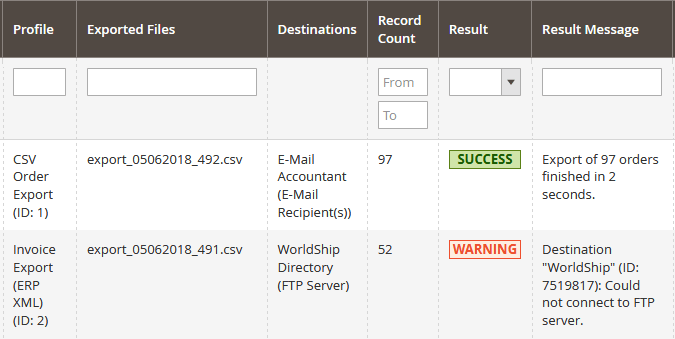
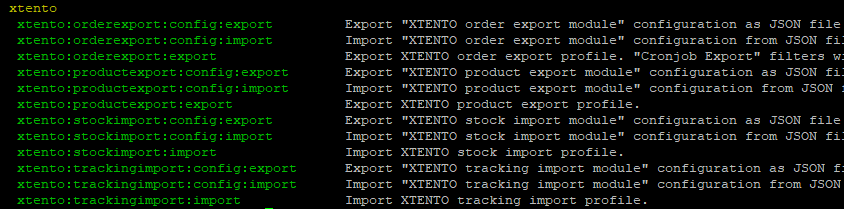
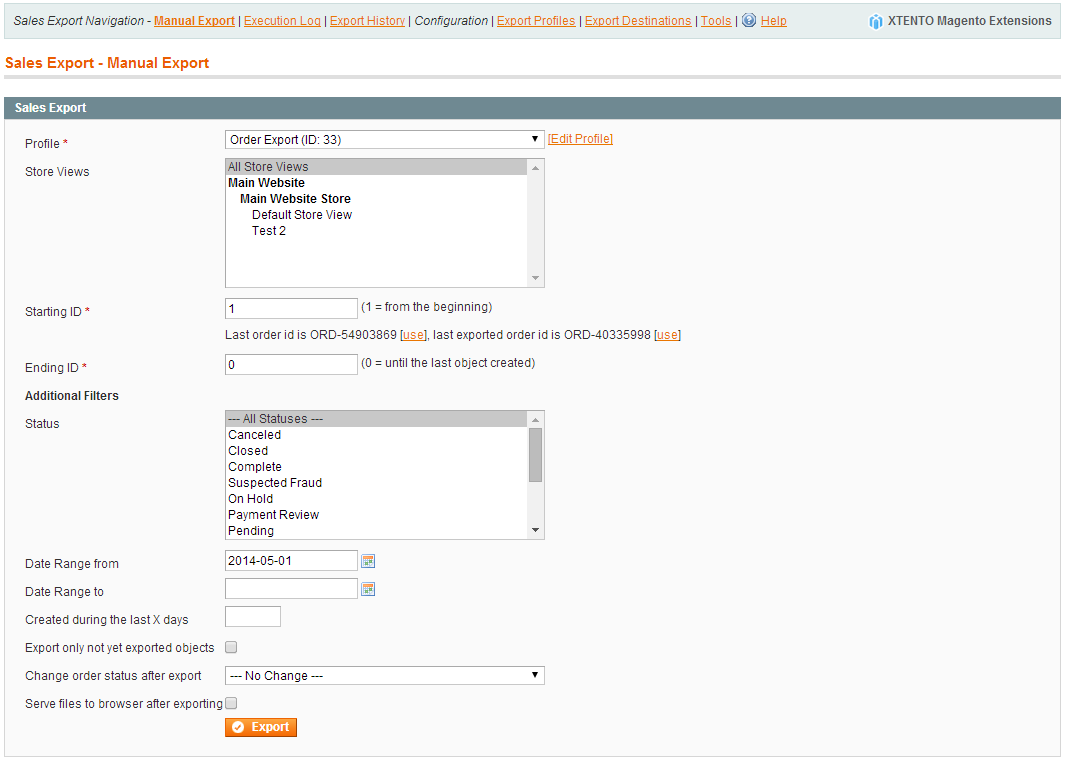
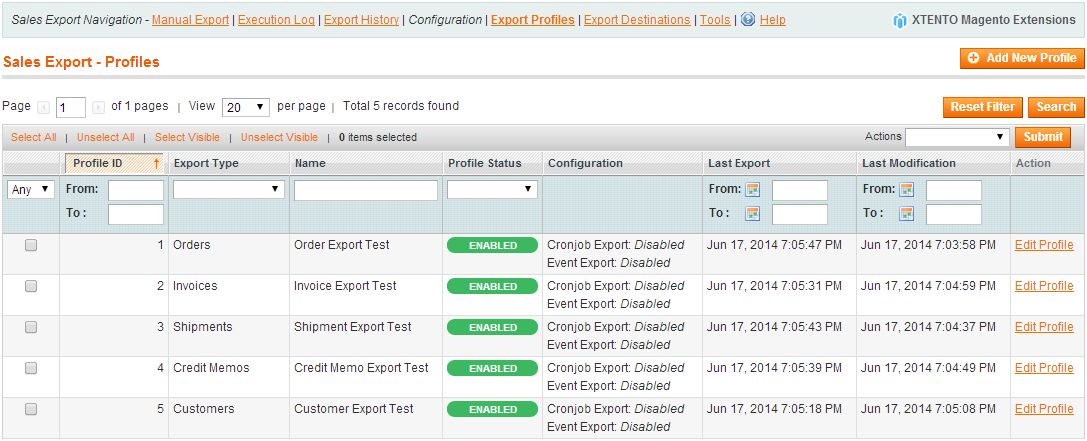
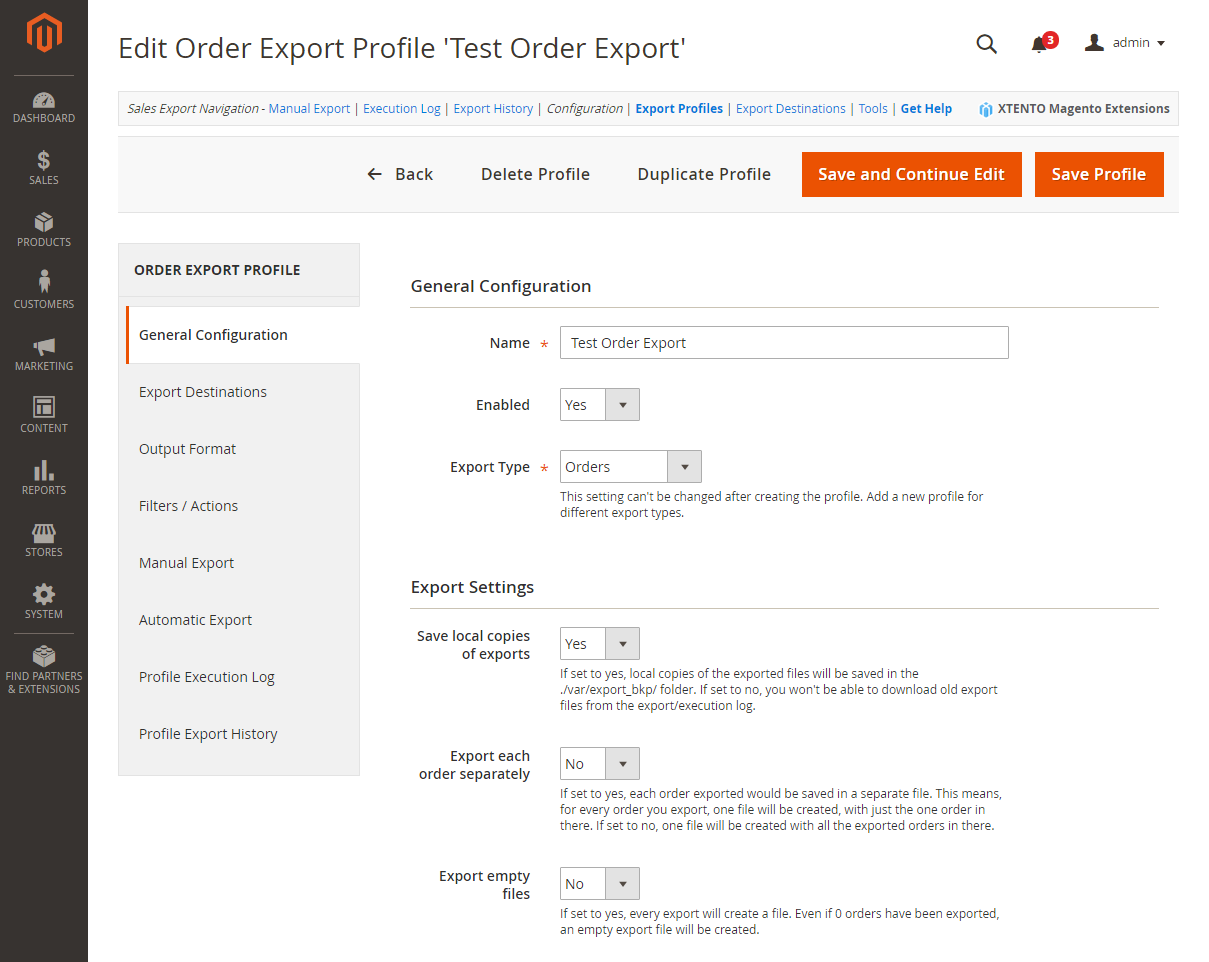
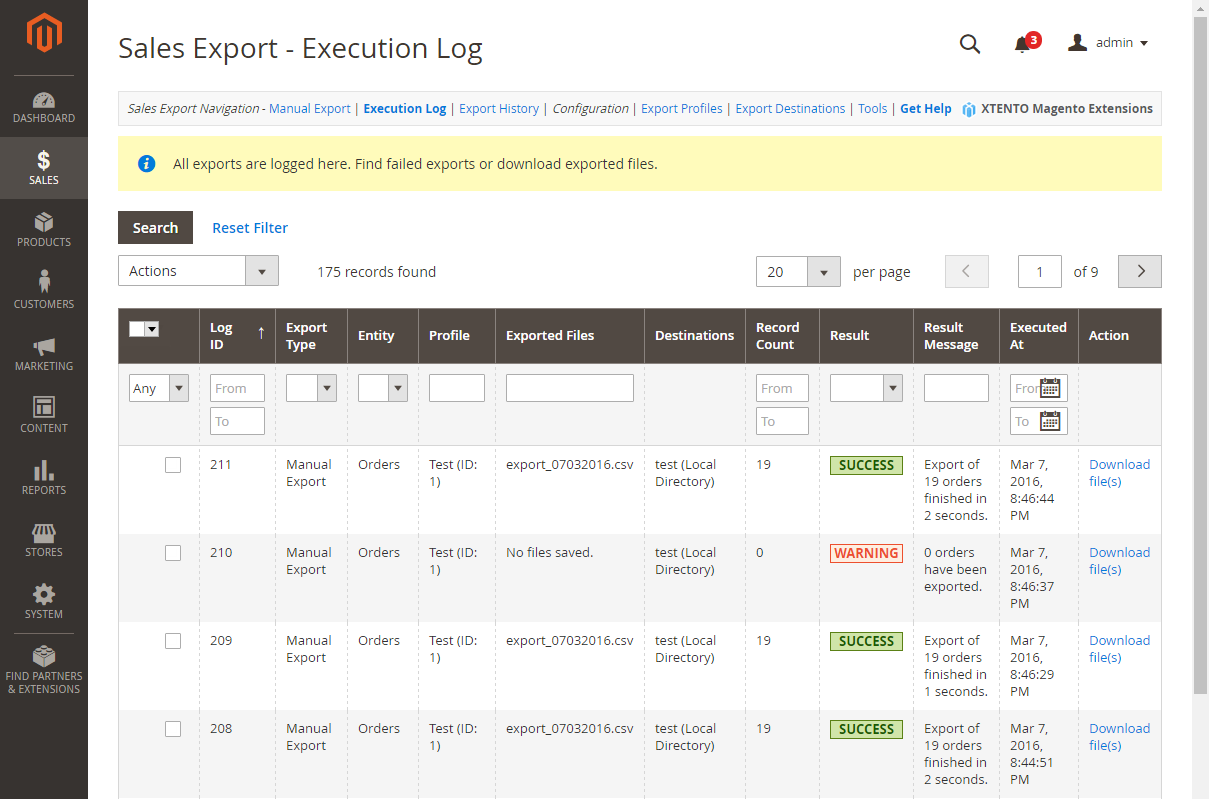
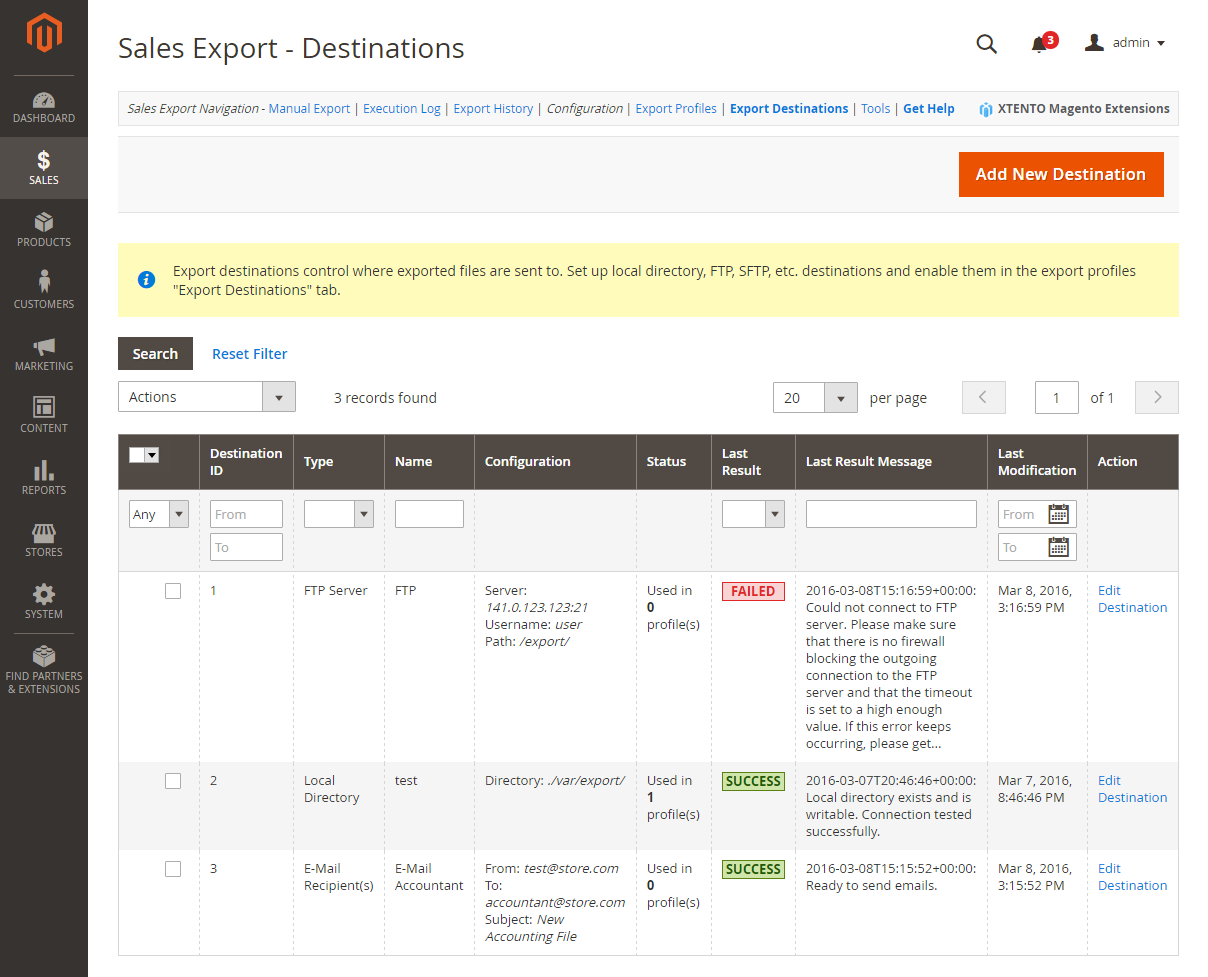
Exporting orders, invoices, shipments, credit memos and customers out of Magento has never been easier or more flexible. An unlimited number of export profiles combined with an unlimited number of associated export destinations allows you to realize almost any export requirement.
This is by far the most flexible sales export solution available for Magento, on the market for years and since then improved and kept compatible with all recent Magento versions. Any doubts? Check out hundreds of fantastic reviews.
Your possibilities are endless. There are no limits. Some examples:
- Exporting orders/invoices/shipments/credit memos/customers into CSV/XML/ASCII formats?
- Sending e-mails to drop shippers once an order has been placed, but only if the order contains items from supplier X?
- Setting up three different cron jobs for one profile running at totally different times throughout the week?
- Sending the exported files of one profile to two (S)FTP servers and one e-mail recipient?
- Exporting orders two times a day to two e-mail recipients?
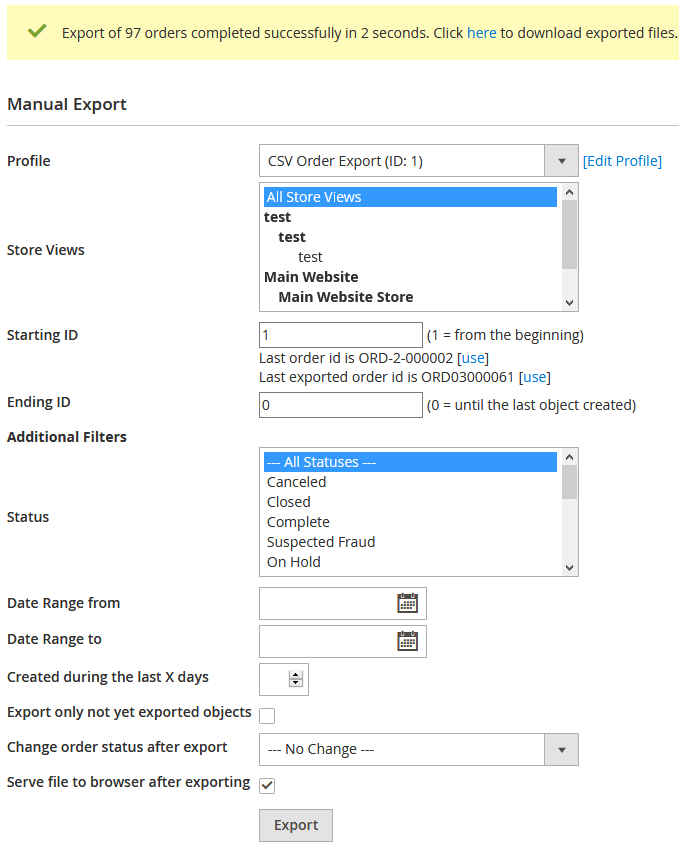
- Exporting invoices on demand for accounting purposes right from the Magento backend?
- Exporting new or updated customers into CSV/XML files, or exporting quotes?
- Exporting your invoice PDF and packing slip PDF automatically to an FTP server and/or an e-mail recipient?
...
Not a problem at all. And much more is possible.
If you are not sure whether this extension will be able to connect to your software, please send us an email including information about the import format that is required by the system you want to connect Magento to using this extension.
Please have a look at our demo installation and the documentation to get a feeling for what's possible with this extension. If you have any questions regarding the extension, please don't hesitate to contact us.
Export of data of 3rd party extensions
Most if not all popular third party extensions are supported by this extension and their custom order attributes can be exported. In general, any extension that stores its data in the sales_flat* (Magento 1) and sales_* (Magento 2) tables is supported. Extensions using custom tables are supported if added by us. If you are not sure if the data of your third party extension can be supported, contact us.
XSL Template
The so called XSL Template is the part of the extension that creates the output format (the actual file which is being generated, TXT, XML, CSV, Fixed-Length Format...) required by the software you want to connect Magento to. XSL basically translates the internal database format into your required output format. XSL is easy to understand and has been documented in our wiki extensively, including many sample templates. You can either use one of the 70 free feeds, or create the XSL Template yourself or have us create it for you at our XSL Template Creation Service (see "Add to Cart" popup).
Please make sure that your Magento webserver comes with support for the PHP "XSL" extension. Magento 2 requires XSL out of the box, so if you use Magento 2, your server supports XSL automatically. For Magento 1, to see if your server supports XSL, please download (save as a .php file) and run this file on your server or have a look at the phpinfo() output on your server to see if XSL support has been enabled. Not enabled? No worries, your hoster / server admin will be able to enable it for you easily usually.
If you need a feature not listed here or if you have any questions regarding this extension, please don't hesitate to contact us.
Tags: Magento Order Export, Magento Customer Export, Magento Invoice Export, Magento Shipment Export, Magento Credit Memo Export, Tracking Number Export, Groupon Tracking Export
 Magento 1
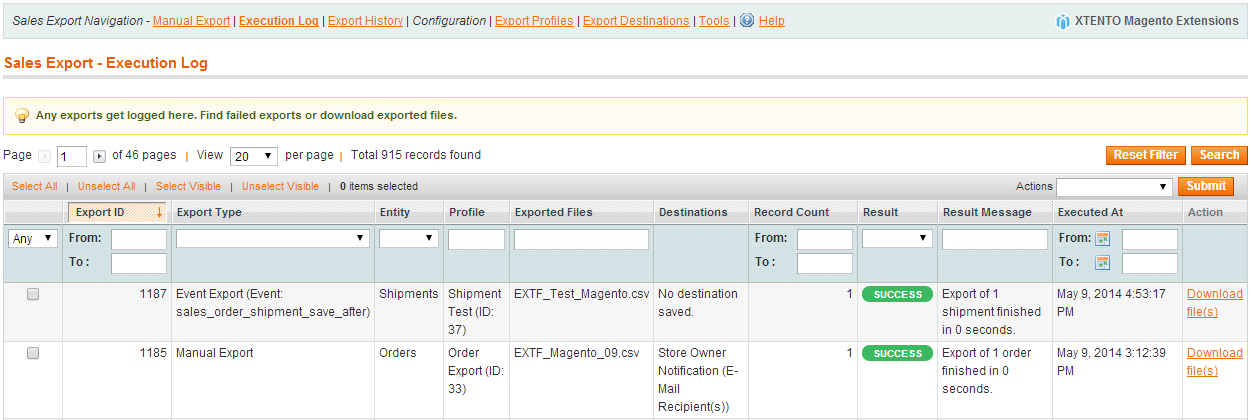
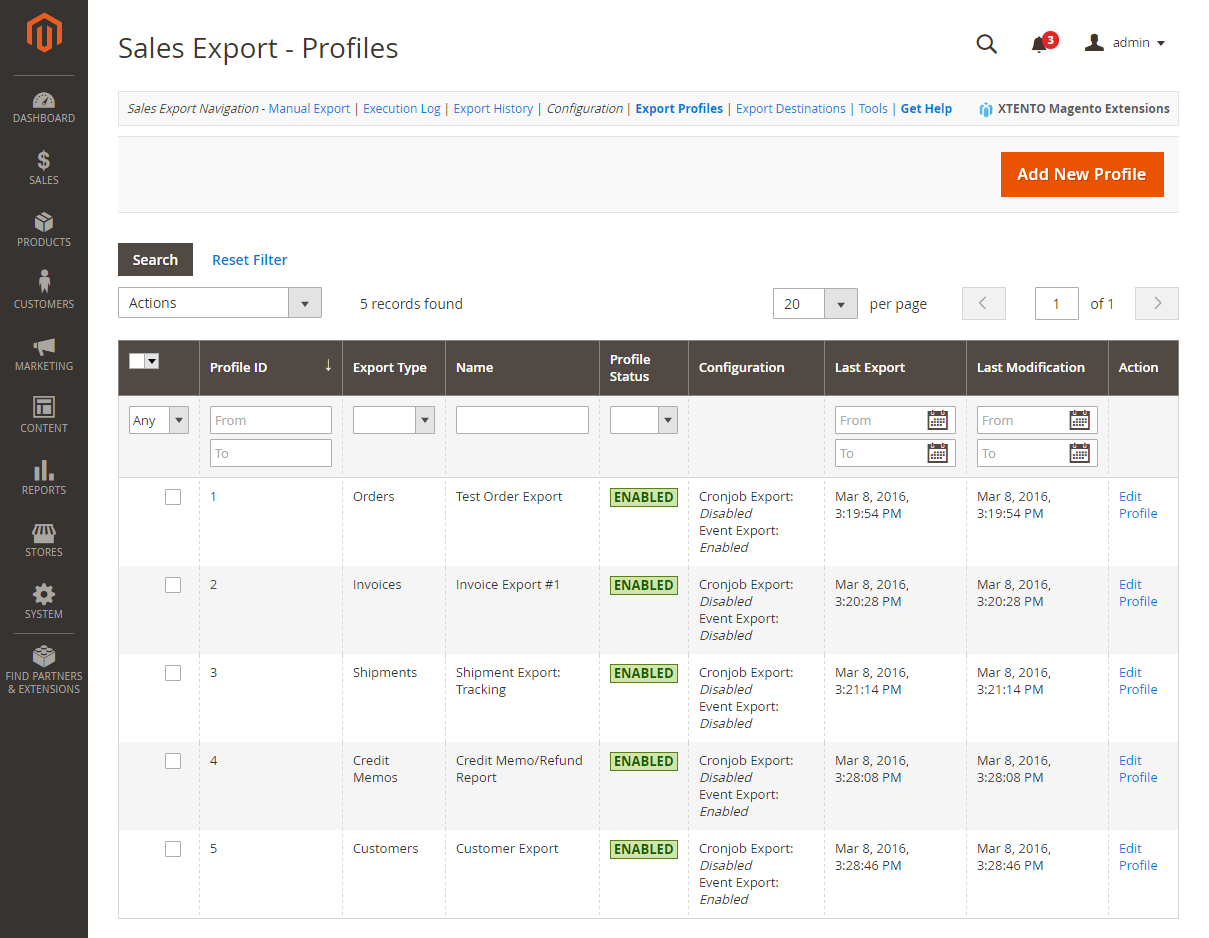
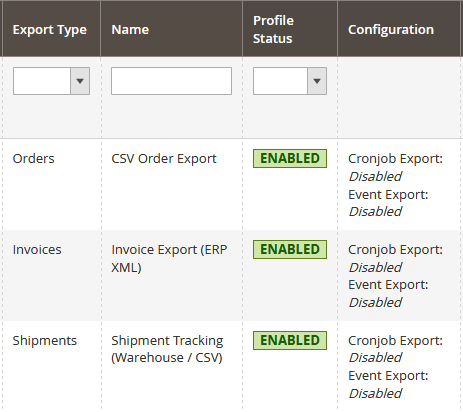 Manage sales export profiles from the Magento backend
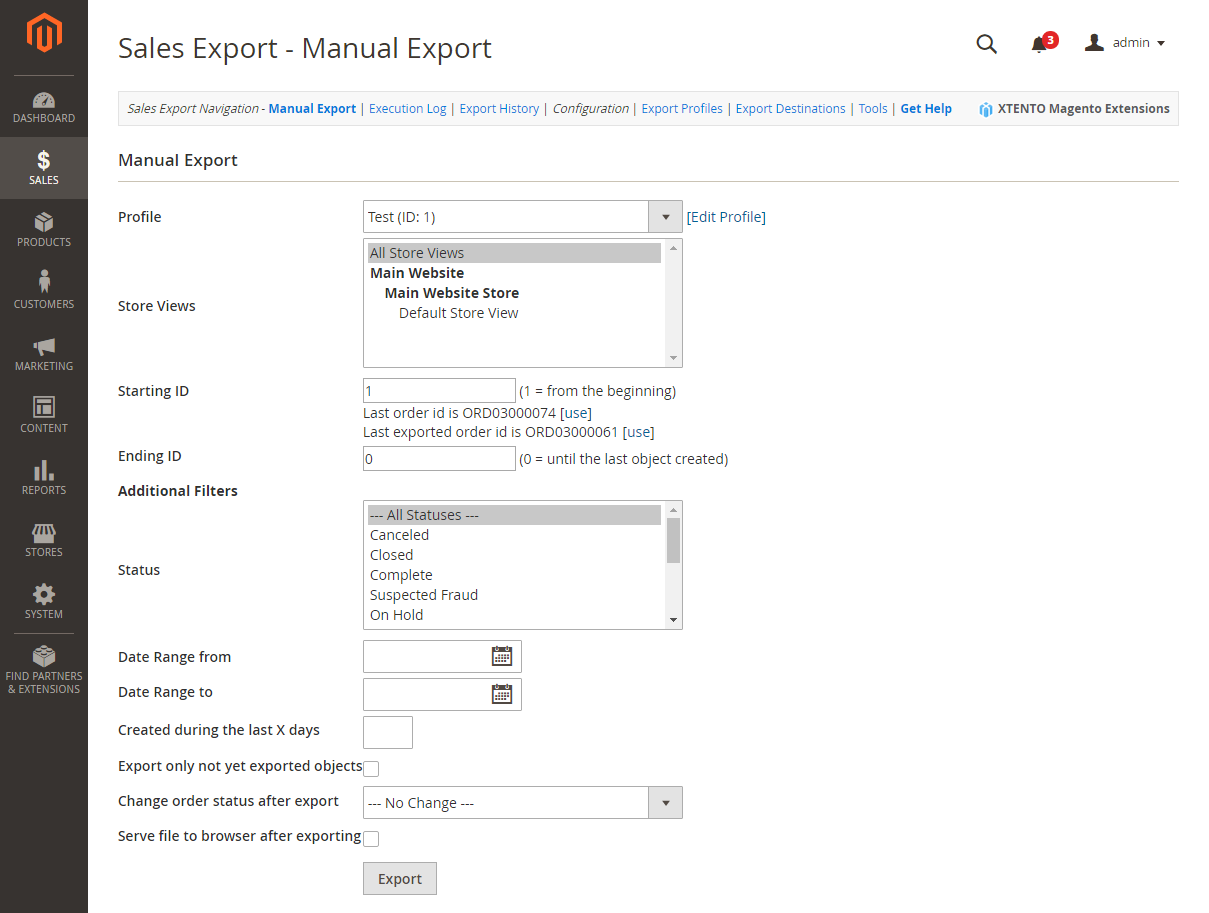
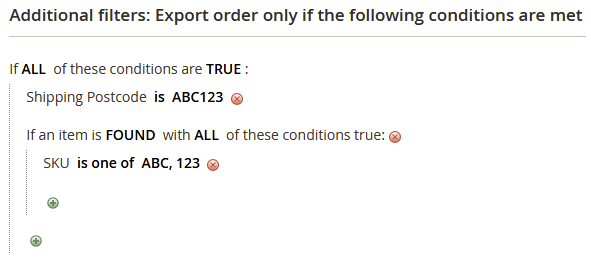 Set up powerful filters to export only certain orders
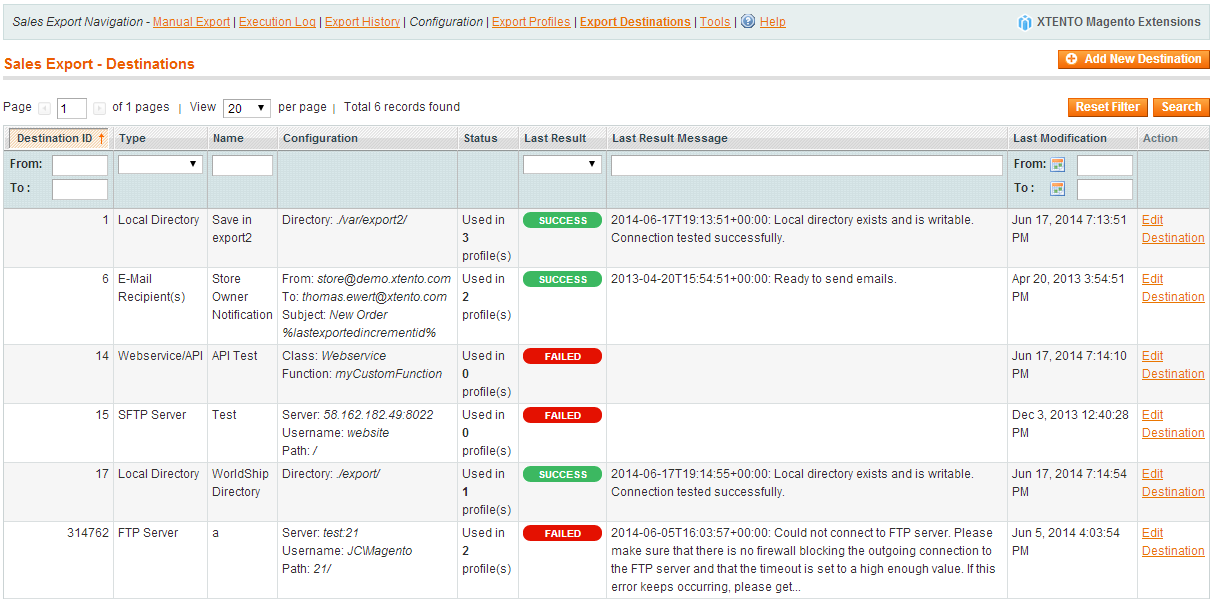
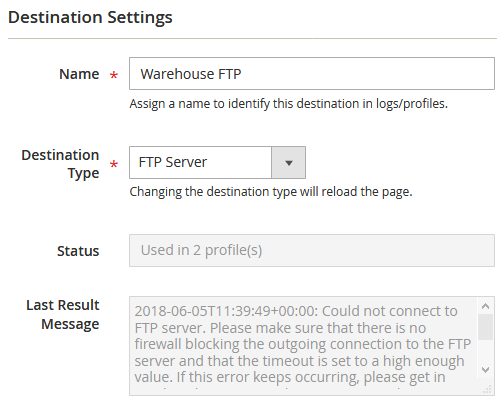 Set up export destinations for exports to (S)FTP servers, local folders, ...
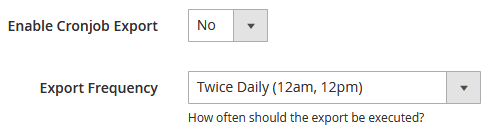 Configure the export frequency for each profile in the backend